> INTERACTION_DESIGN // CASE_STUDY // GENERATIVE_UI // 60_FRAMES

Generative UI.
Making AI thinking visible.

Waiting is part of the interface, so it should show its work. AI tools do real work behind a spinner, and people cannot tell progress from a stall. This study treats that waiting time as design material, across ten flows that narrate the work and stay honest about it.

[ ROLE ]
Interaction and UI design
[ TYPE ]
Case study · 2026
[ SCOPE ]
Ten flows · 95 desktop + 29 mobile screens
[ SYSTEM ]
One matte palette · One type pair · Nine orbs
Case Study Format: 60 frames in 7 chapters. Click any frame to inspect it in full resolution.
Start reading
CHAPTER 01

The premise

FRAMES 01–05
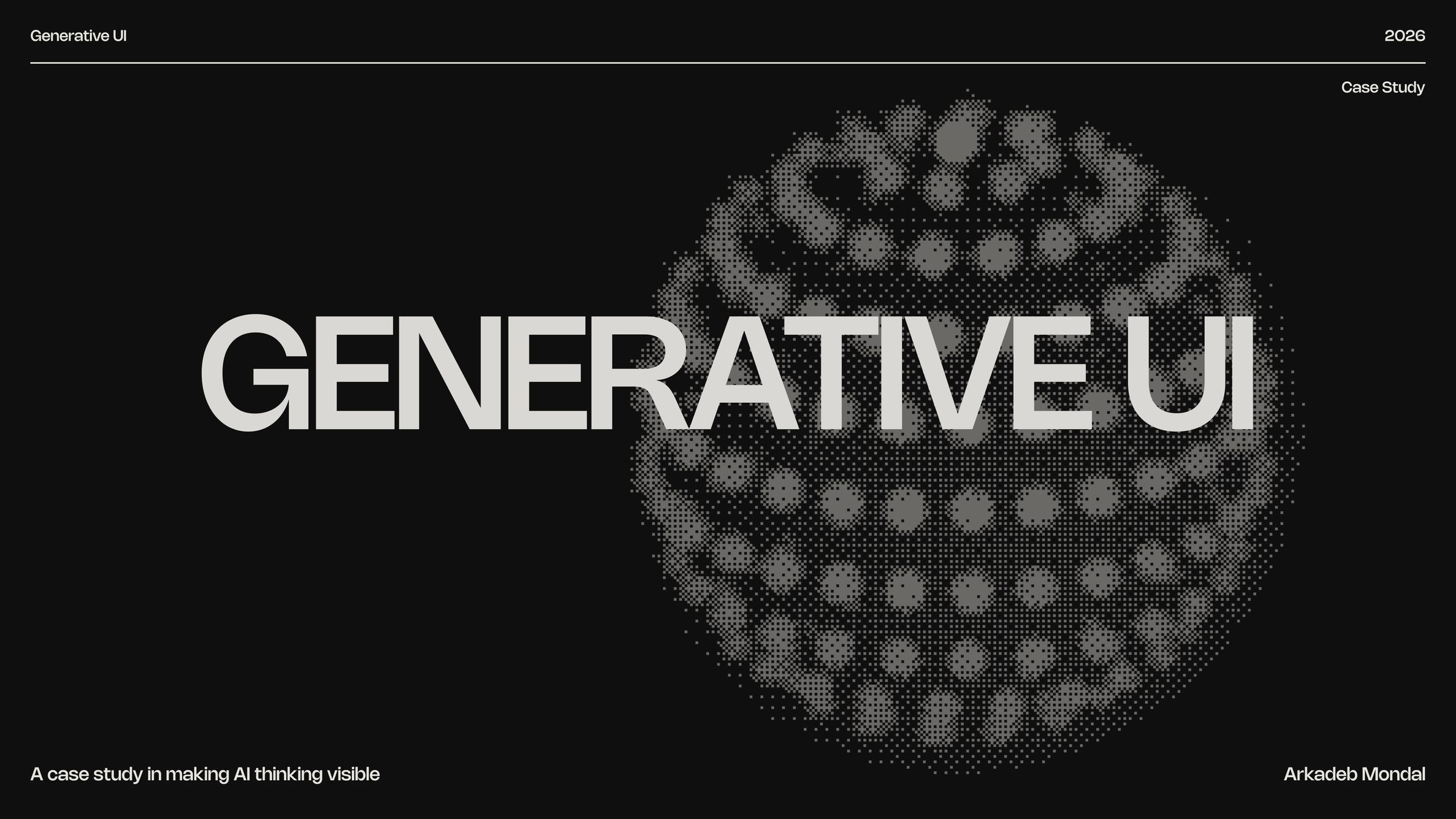
FRAME 01 // 60 COVER

Generative UI

A case study in making AI thinking visible.

Cover: Generative UI
Click to zoom & inspect
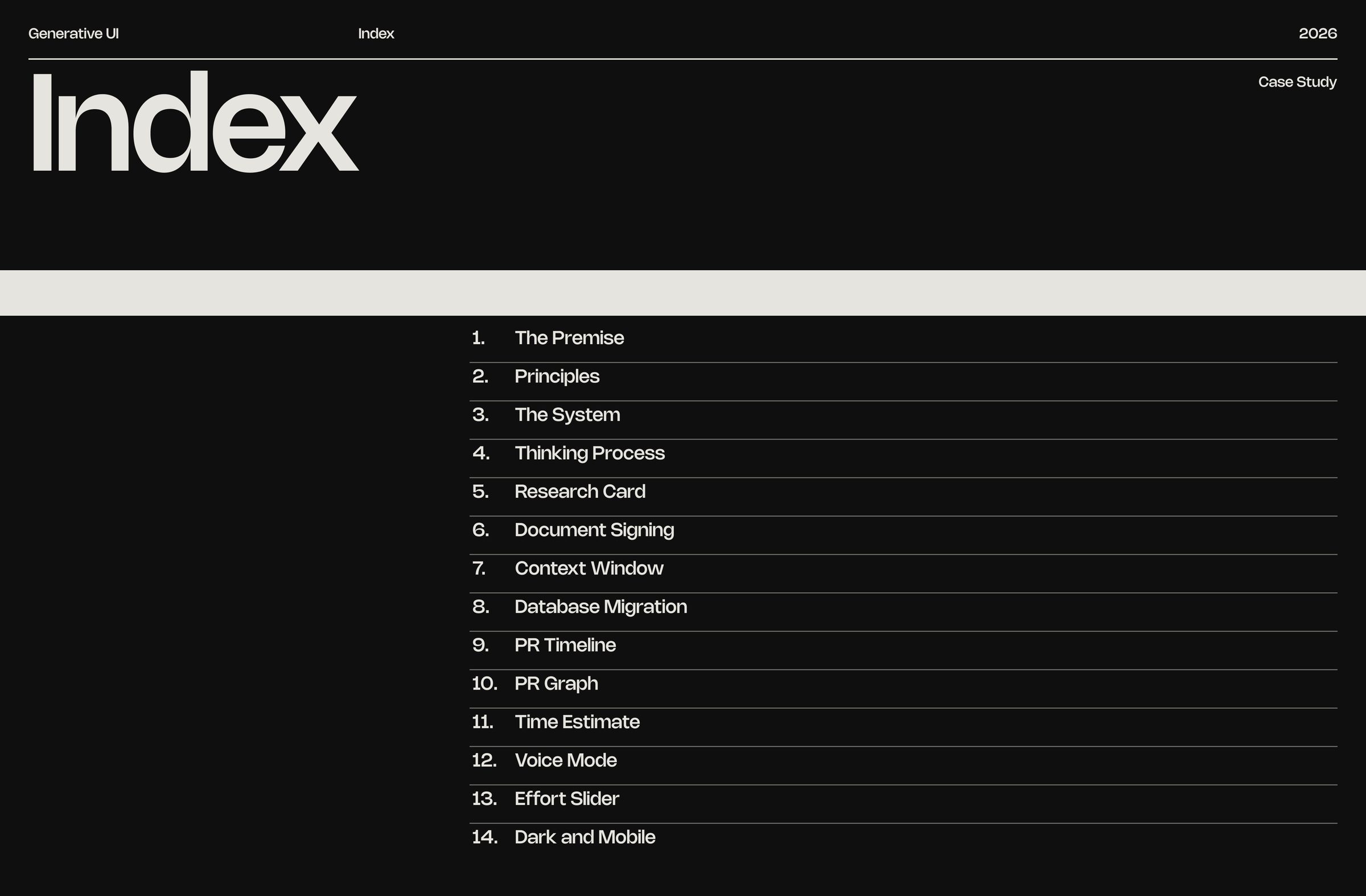
FRAME 02 // 60 INDEX

Index

Index: Index
Click to zoom & inspect
FRAME 03 // 60 THE PREMISE

The premise

The premise: The premise
Click to zoom & inspect
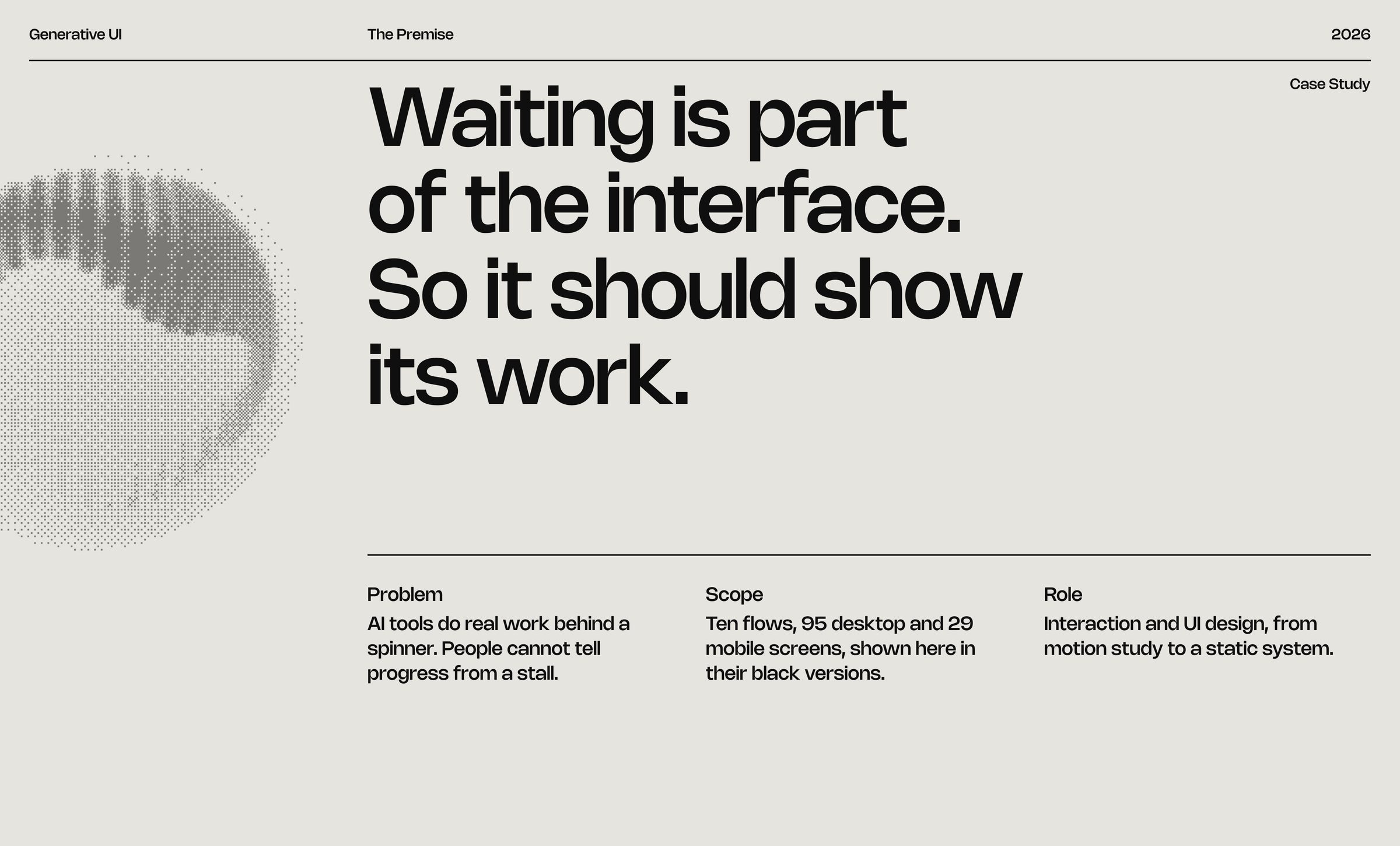
FRAME 04 // 60 THE PREMISE

Waiting is part of the interface. So it should show its work.

AI tools do real work behind a spinner. People cannot tell progress from a stall.

The premise: Waiting is part of the interface. So it should show its work.
Click to zoom & inspect
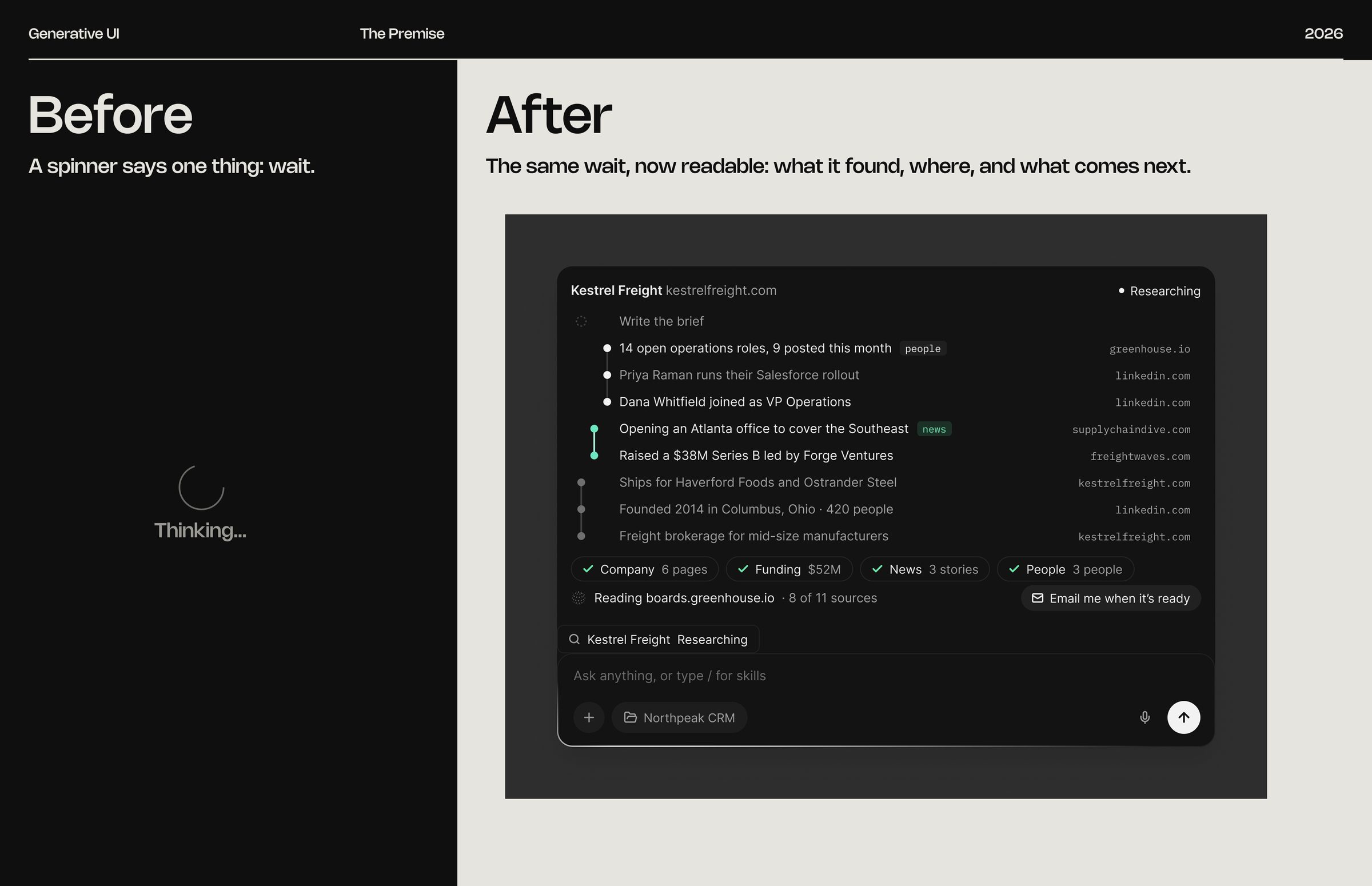
FRAME 05 // 60 BEFORE / AFTER

A spinner says one thing: wait.

Before / after: A spinner says one thing: wait.
Click to zoom & inspect
CHAPTER 02

Four principles

FRAMES 06–08
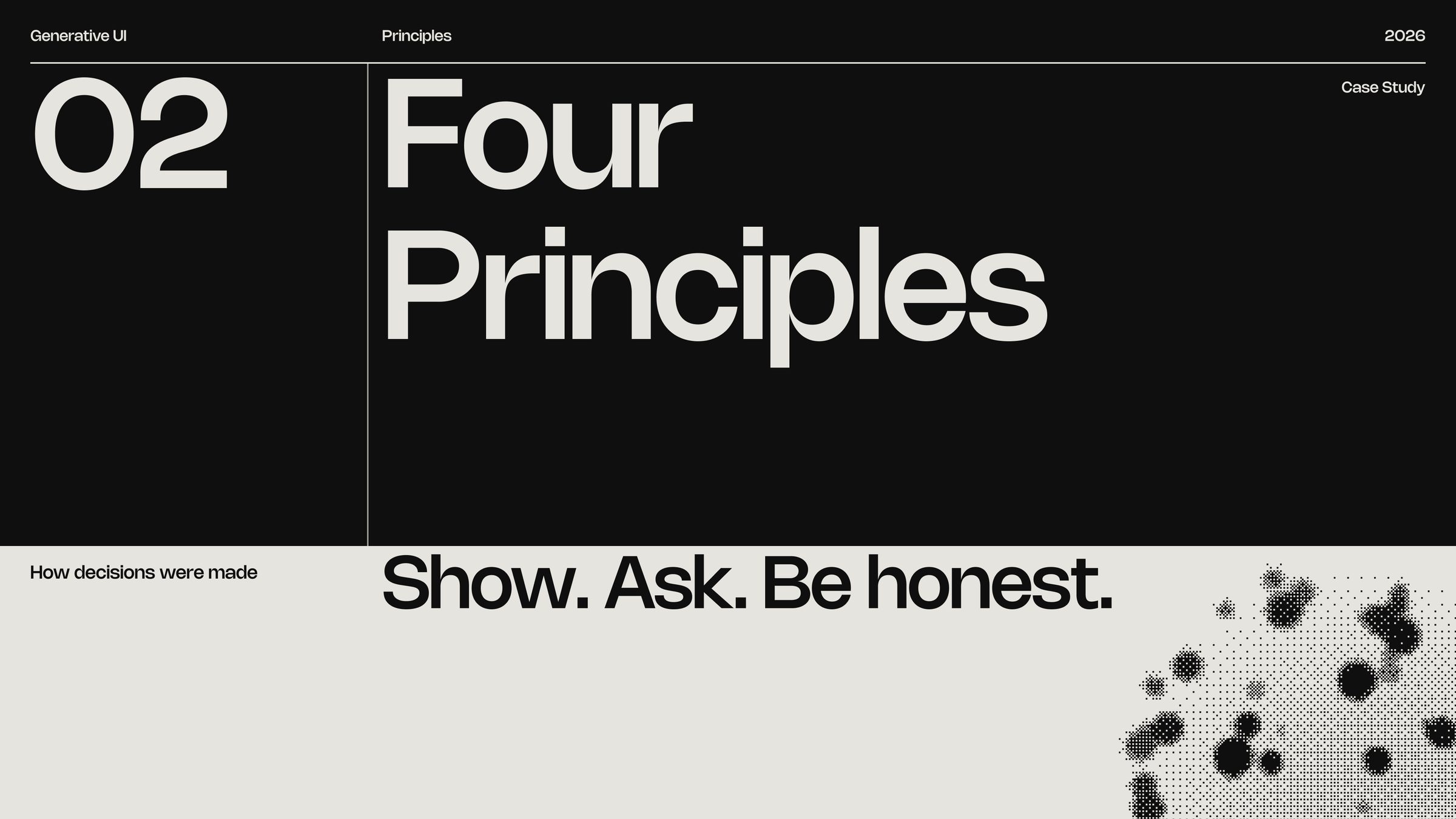
FRAME 06 // 60 FOUR PRINCIPLES

Show. Ask. Be honest.

Four principles: Show. Ask. Be honest.
Click to zoom & inspect
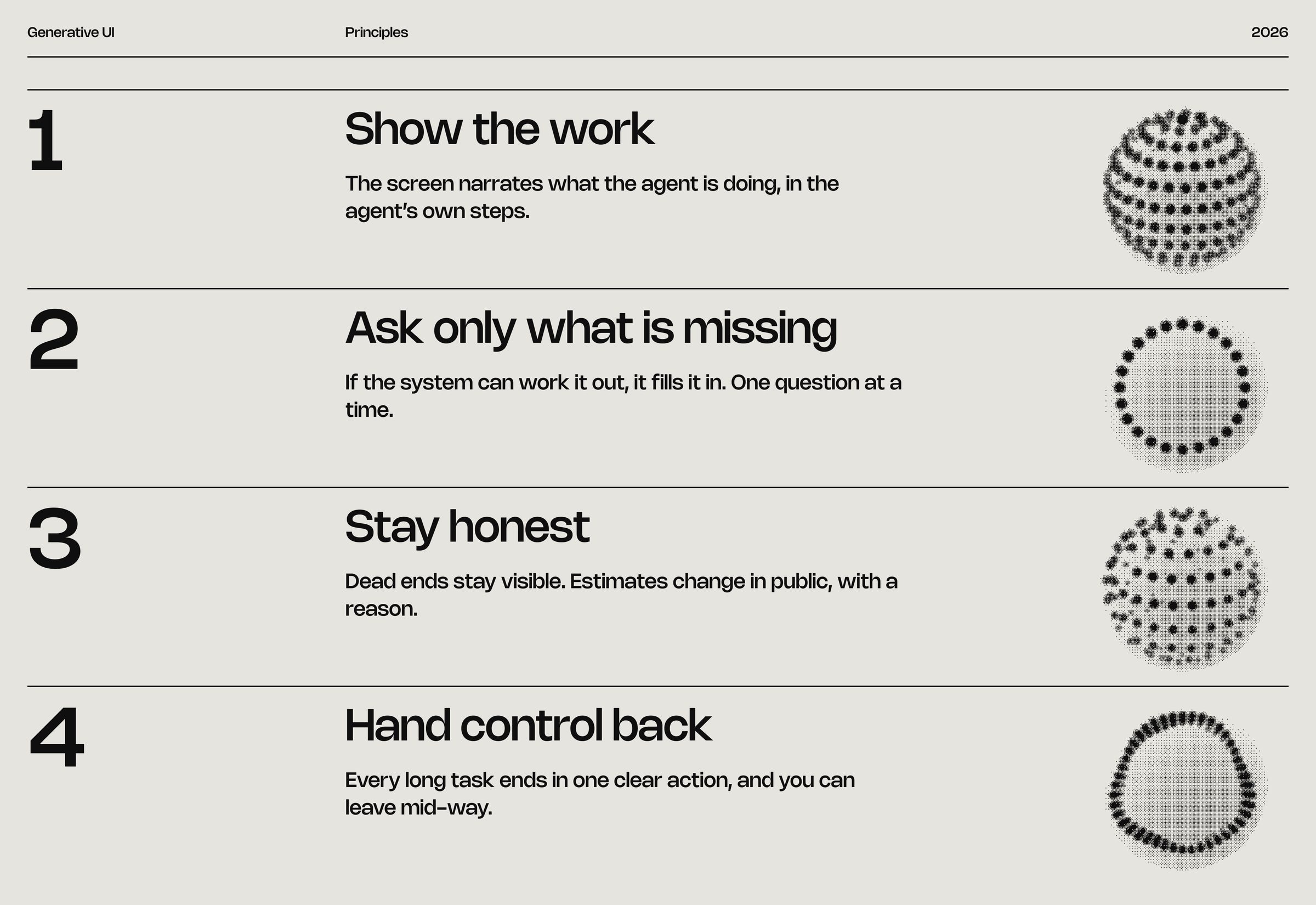
FRAME 07 // 60 FOUR PRINCIPLES

The principle list

Four principles: The principle list
Click to zoom & inspect
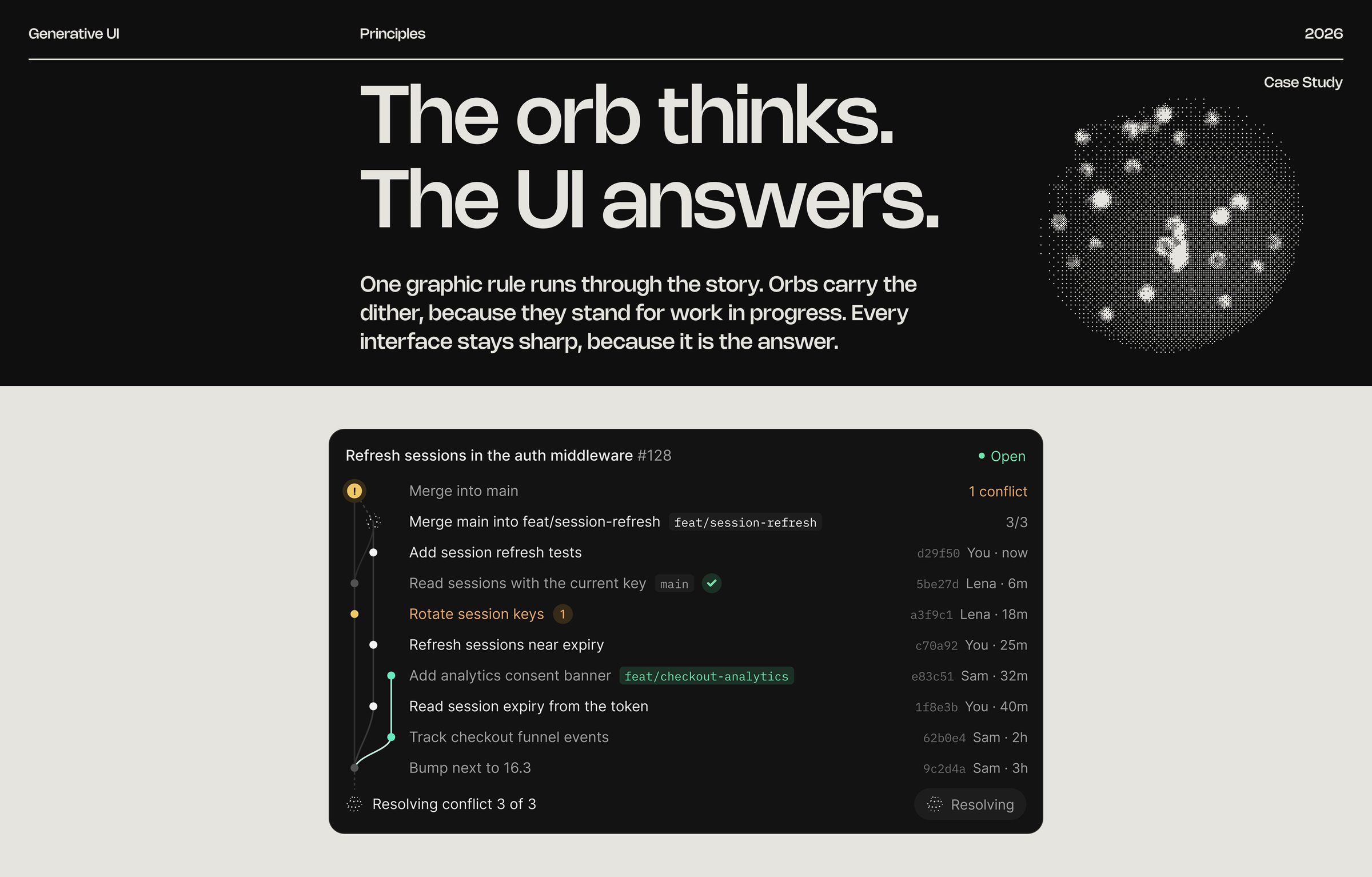
FRAME 08 // 60 DITHER CONCEPT

The orb thinks. The UI answers.

Orbs carry the dither, because they stand for work in progress. Every interface stays sharp, because it is the answer.

Dither concept: The orb thinks. The UI answers.
Click to zoom & inspect
CHAPTER 03

The system

FRAMES 09–13
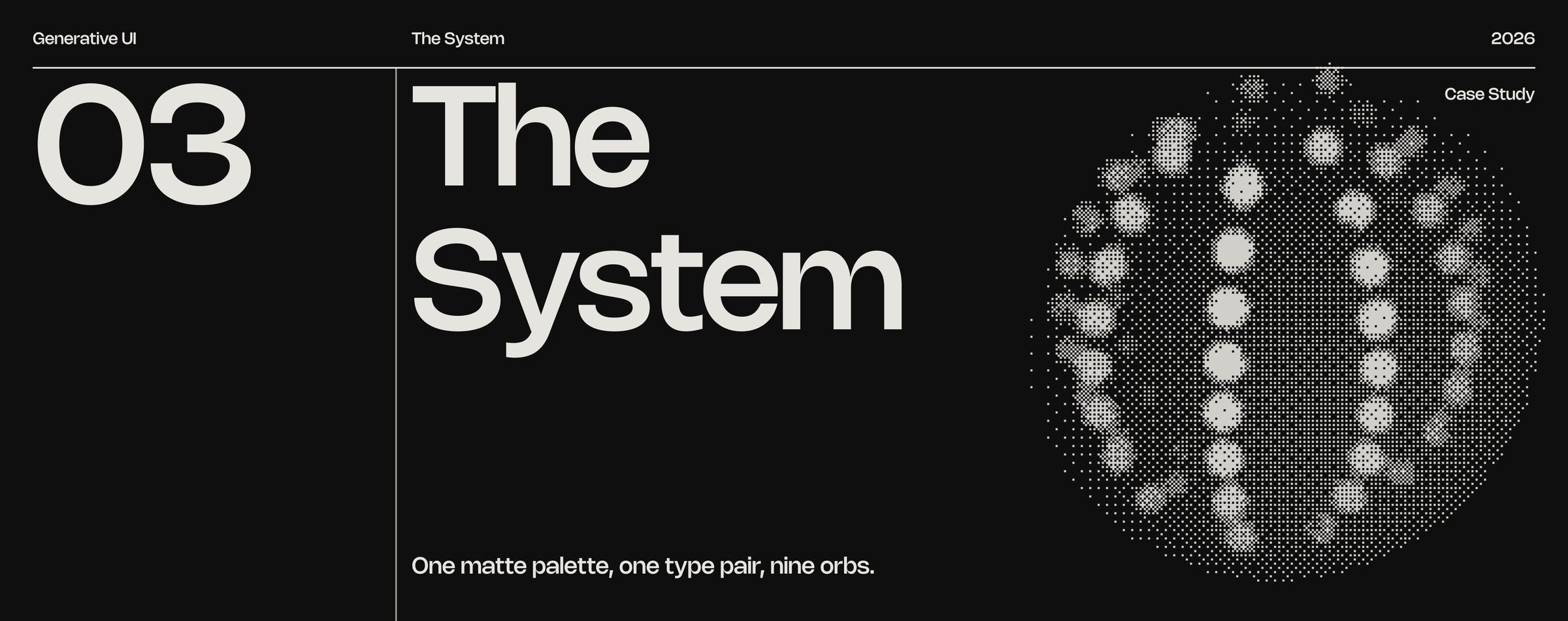
FRAME 09 // 60 THE SYSTEM

One matte palette, one type pair, nine orbs.

The system: One matte palette, one type pair, nine orbs.
Click to zoom & inspect
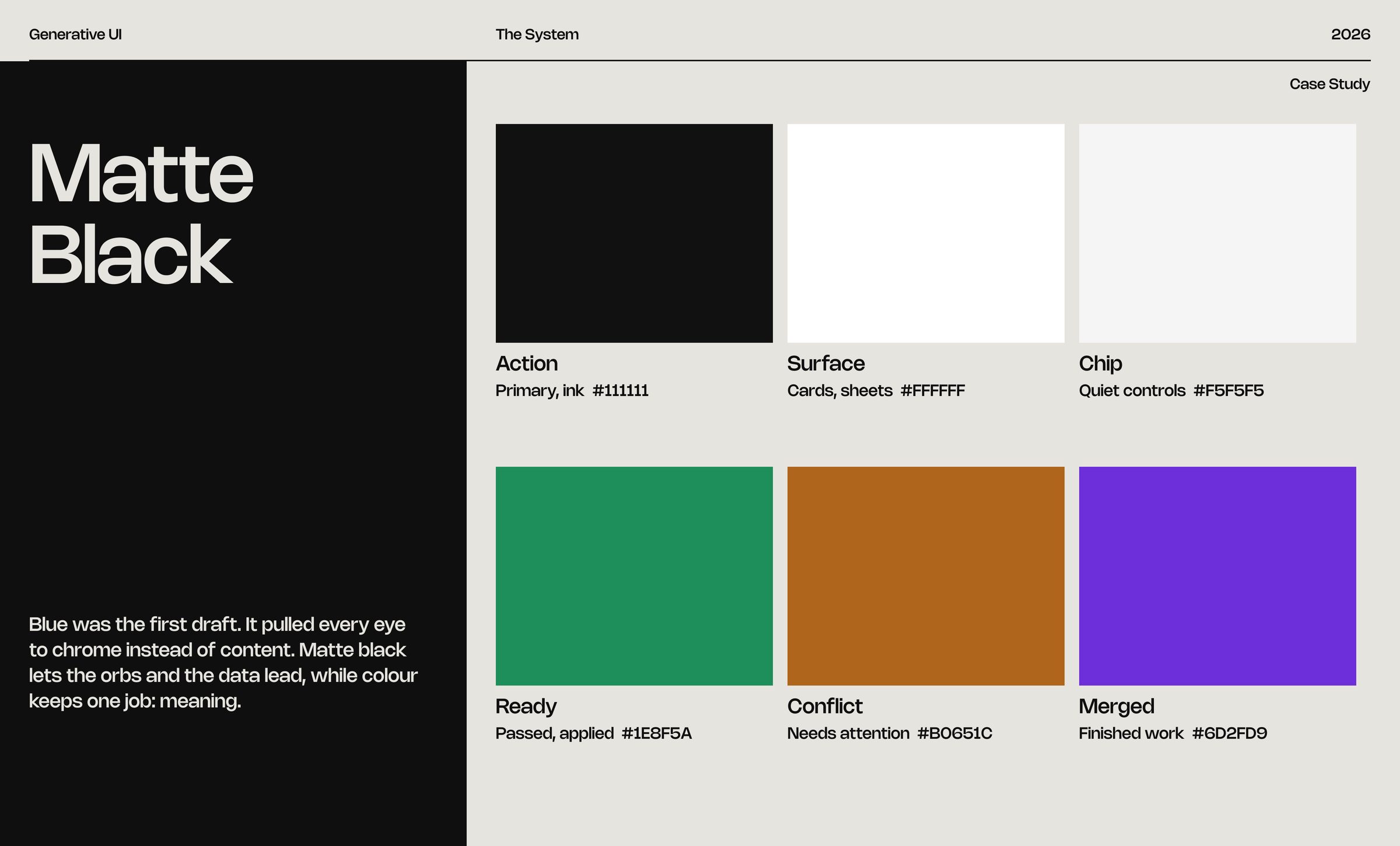
FRAME 10 // 60 COLOUR

Matte black

Matte black lets the orbs and the data lead, while colour keeps one job: meaning.

Colour: Matte black
Click to zoom & inspect
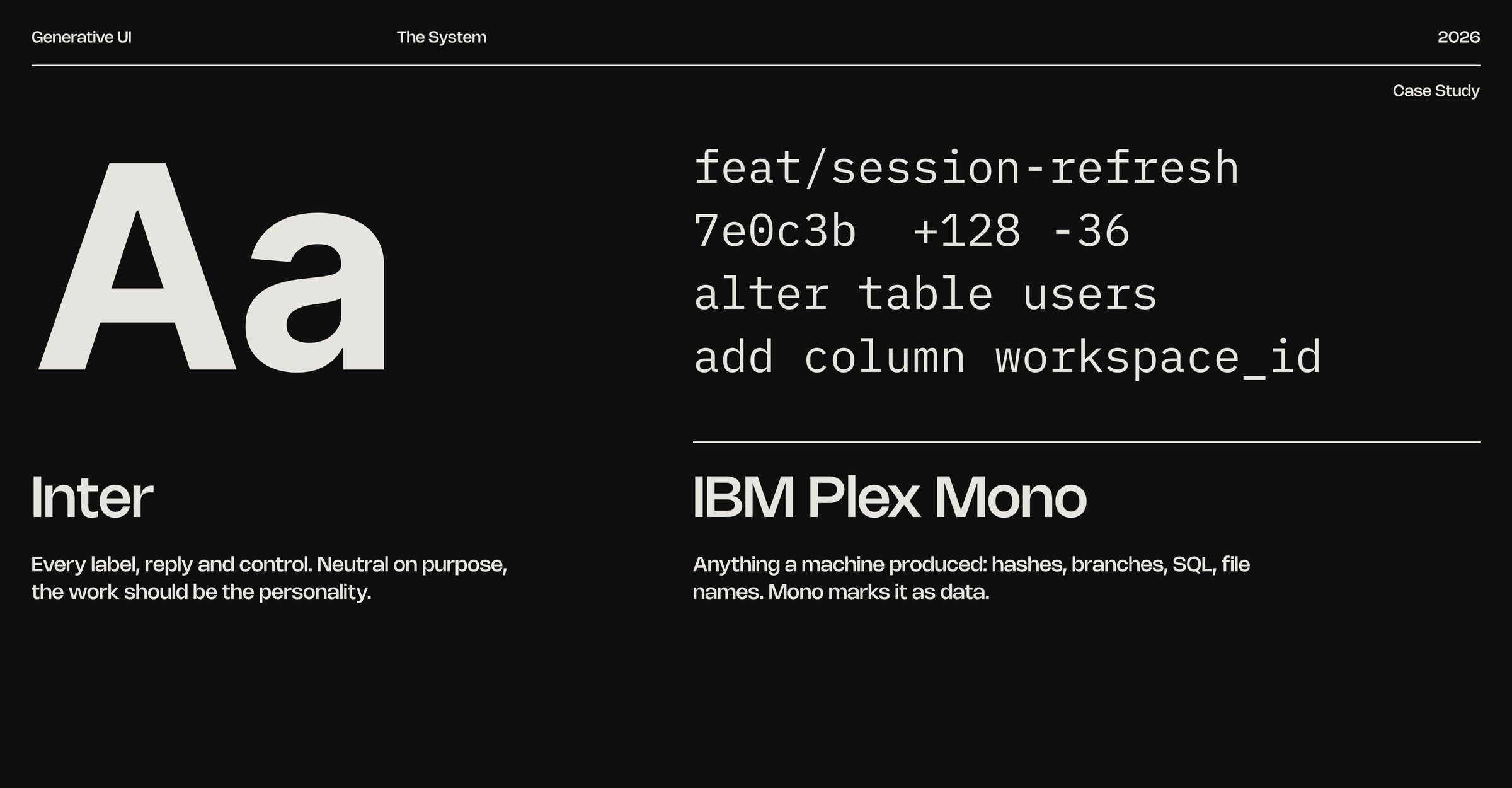
FRAME 11 // 60 TYPE

Inter and IBM Plex Mono

Type: Inter and IBM Plex Mono
Click to zoom & inspect
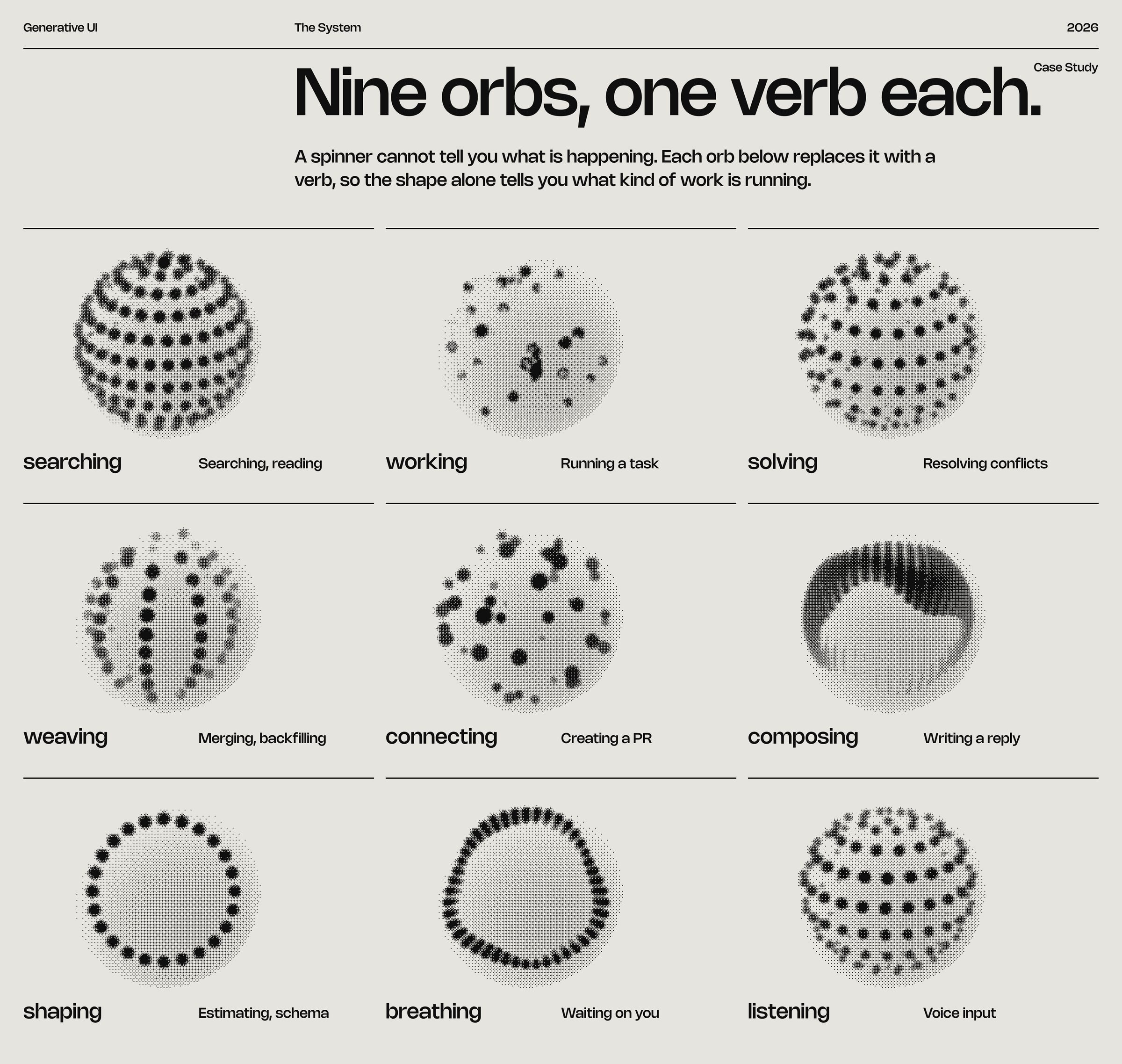
FRAME 12 // 60 ORB MAP

Nine orbs, one verb each.

Orb map: Nine orbs, one verb each.
Click to zoom & inspect
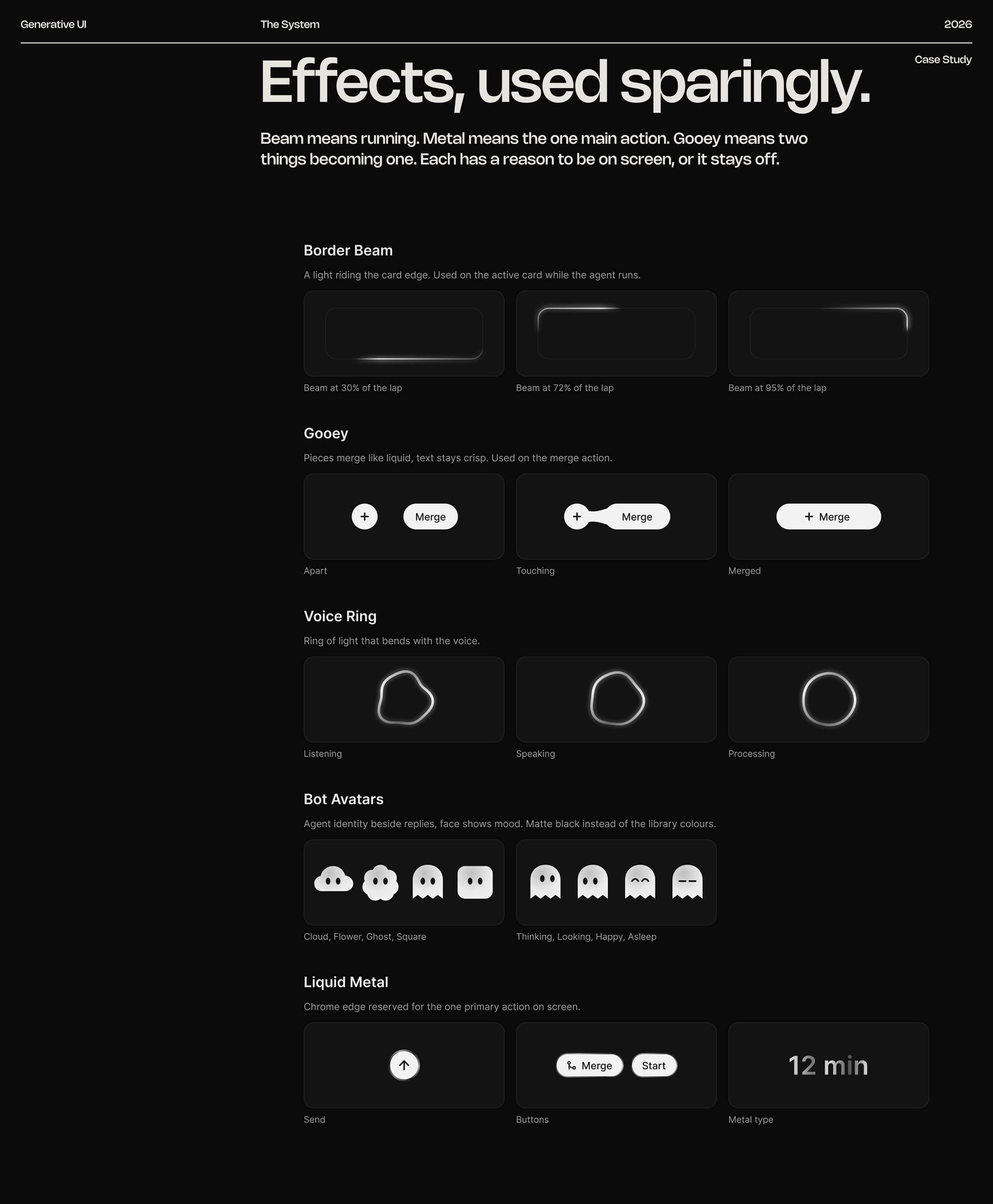
FRAME 13 // 60 EFFECTS

Effects, used sparingly.

Beam means running. Metal means the one main action. Gooey means two things becoming one.
Effects: Effects, used sparingly.
Click to zoom & inspect
CHAPTER 04

Agent flows

FRAMES 14–29
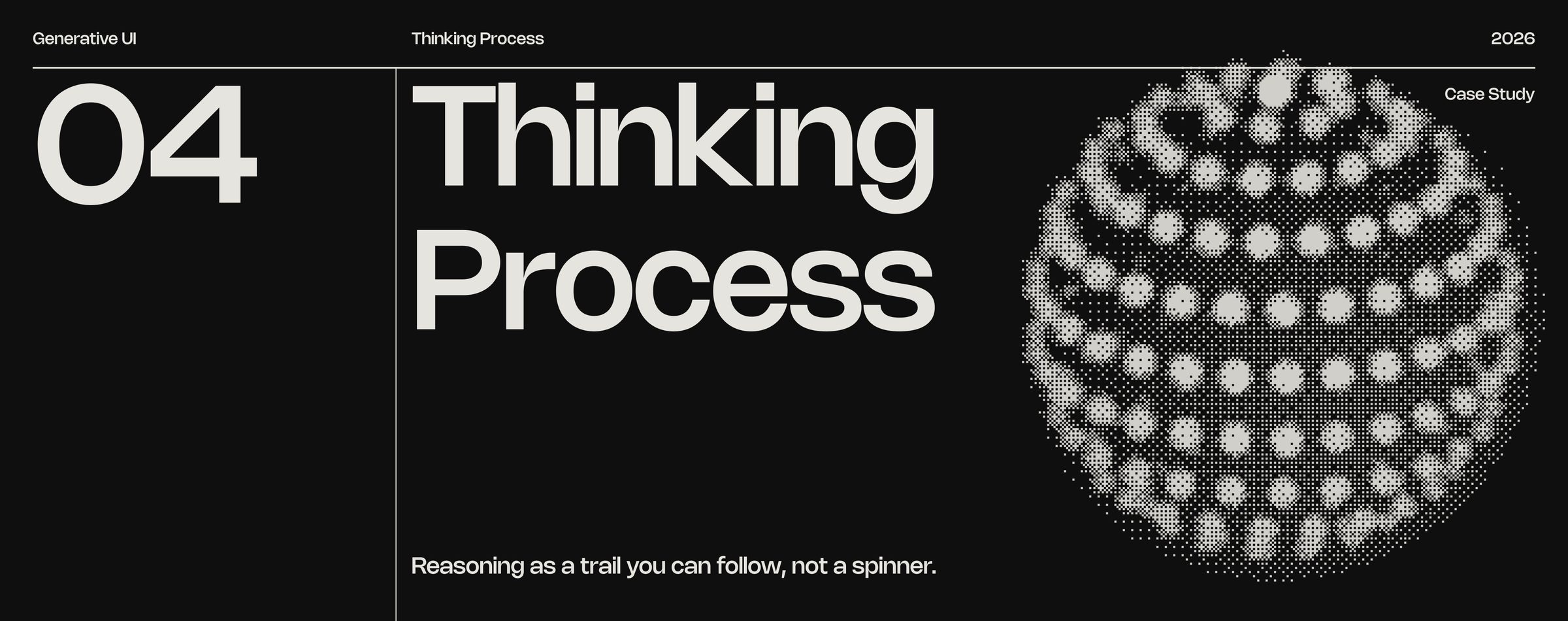
FRAME 14 // 60 THINKING PROCESS

Reasoning as a trail you can follow, not a spinner.

Thinking Process: Reasoning as a trail you can follow, not a spinner.
Click to zoom & inspect
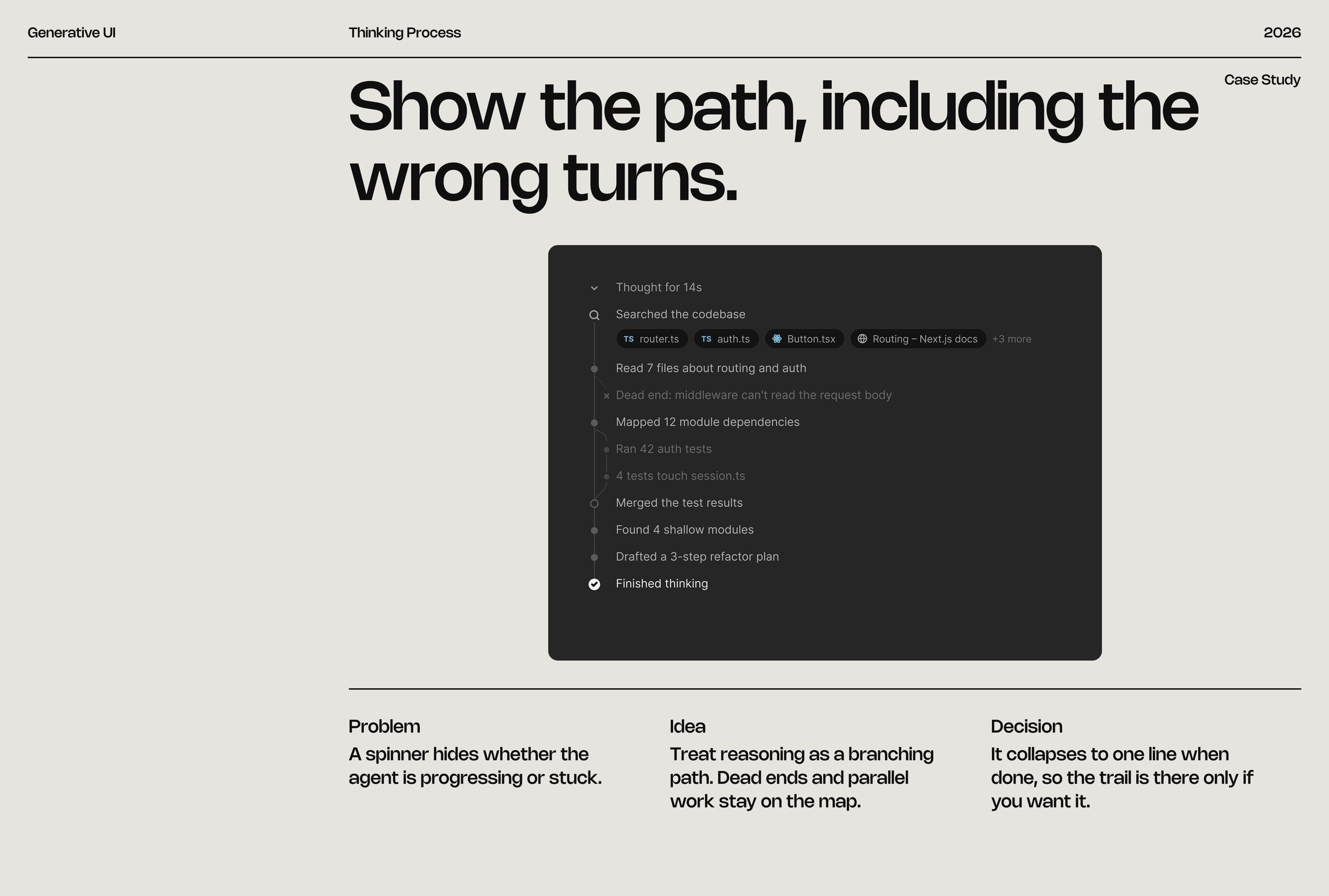
FRAME 15 // 60 THINKING PROCESS

Show the path, including the wrong turns.

A spinner hides whether the agent is progressing or stuck.

Thinking Process: Show the path, including the wrong turns.
Click to zoom & inspect
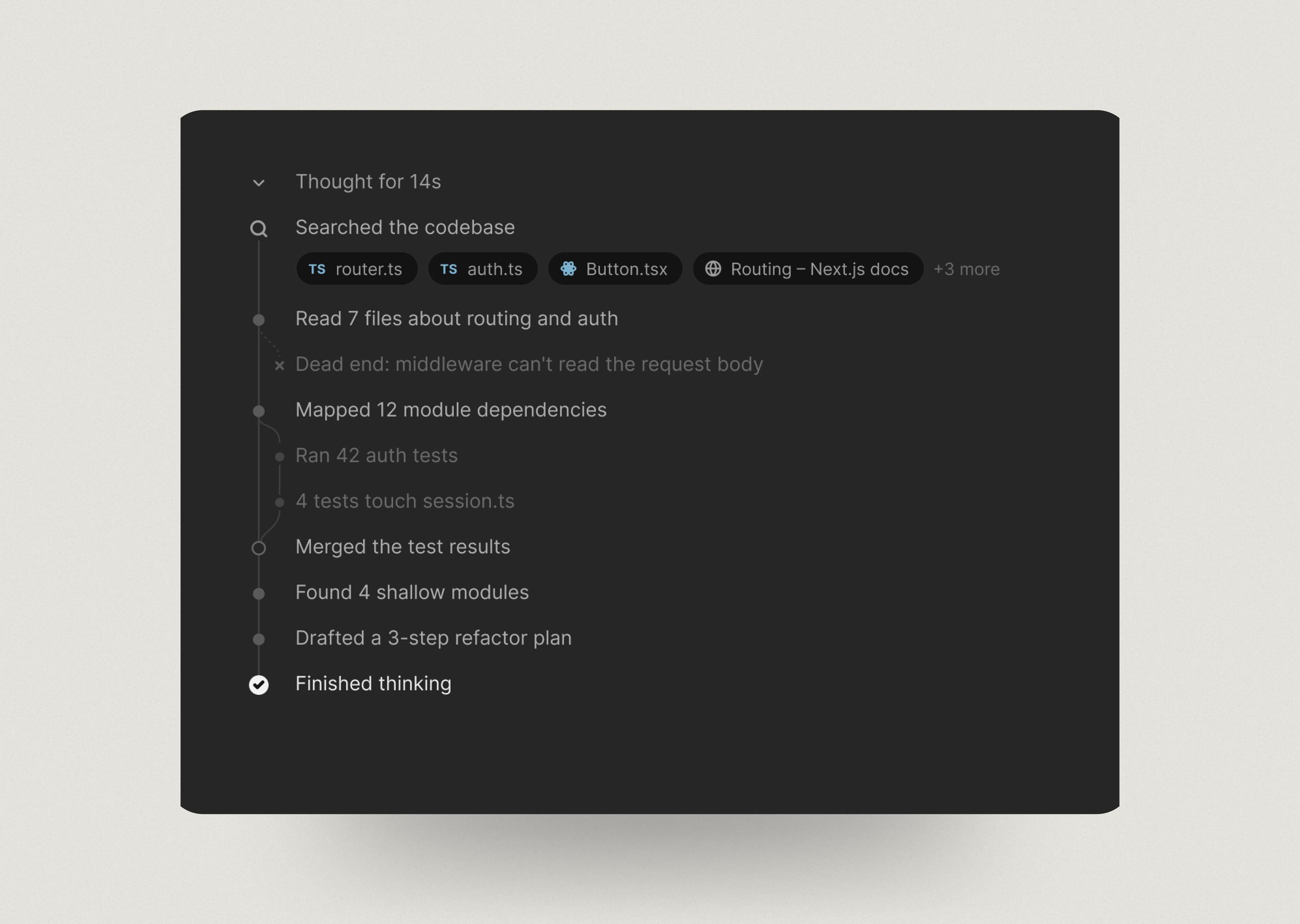
FRAME 16 // 60 THINKING PROCESS: DESKTOP

Thinking Process on desktop

Thinking Process: desktop: Thinking Process on desktop
Click to zoom & inspect
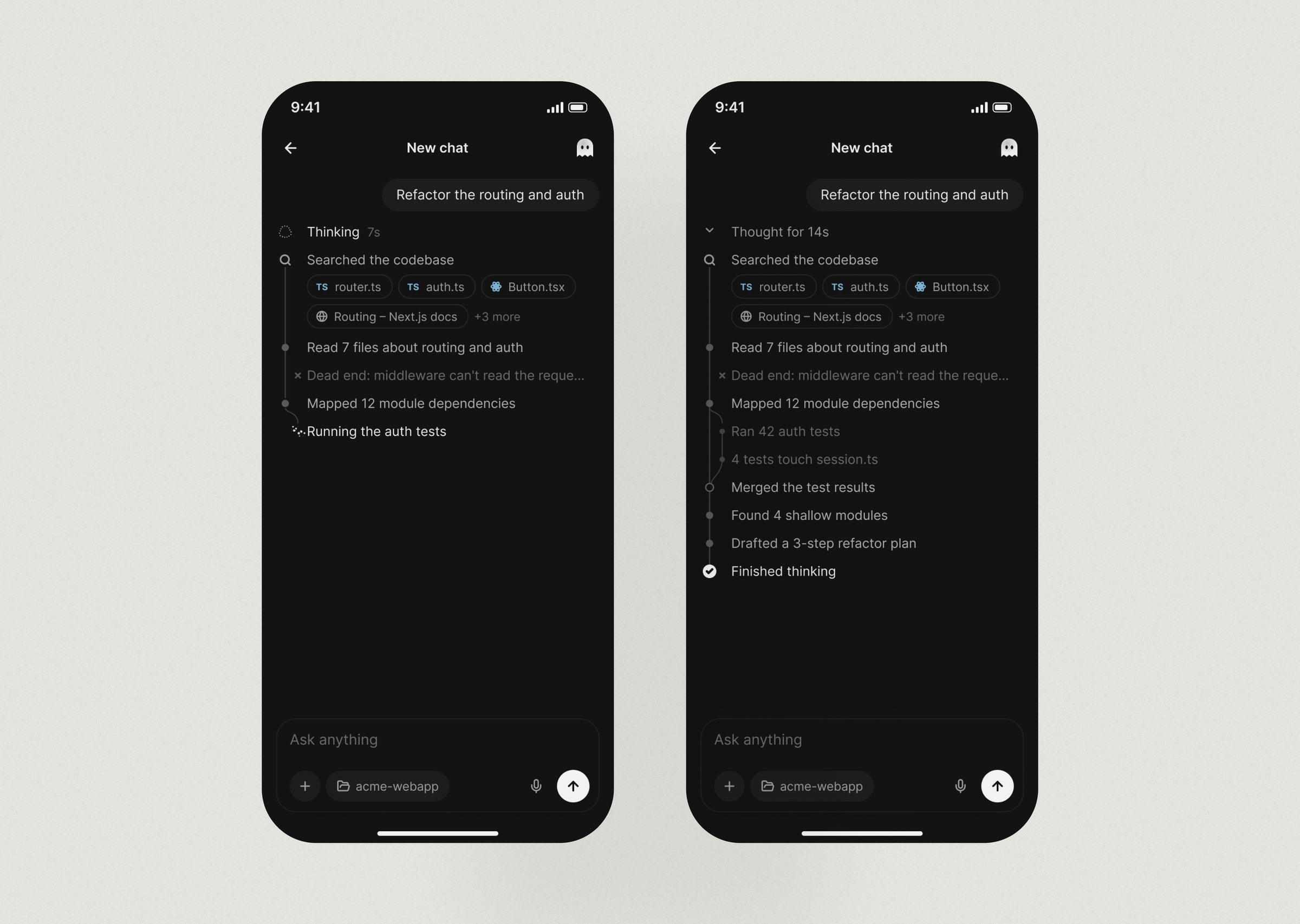
FRAME 17 // 60 THINKING PROCESS: MOBILE

Thinking Process on mobile

Thinking Process: mobile: Thinking Process on mobile
Click to zoom & inspect
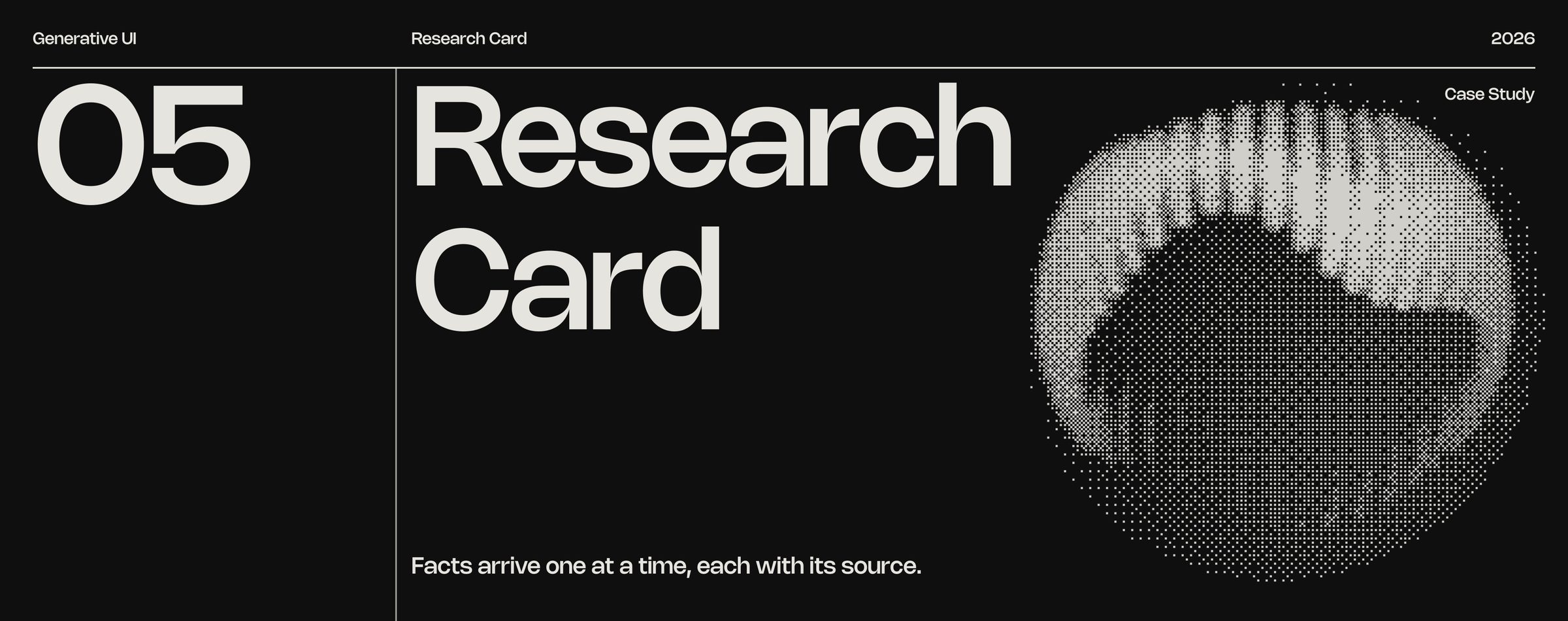
FRAME 18 // 60 RESEARCH CARD

Facts arrive one at a time, each with its source.

Research Card: Facts arrive one at a time, each with its source.
Click to zoom & inspect
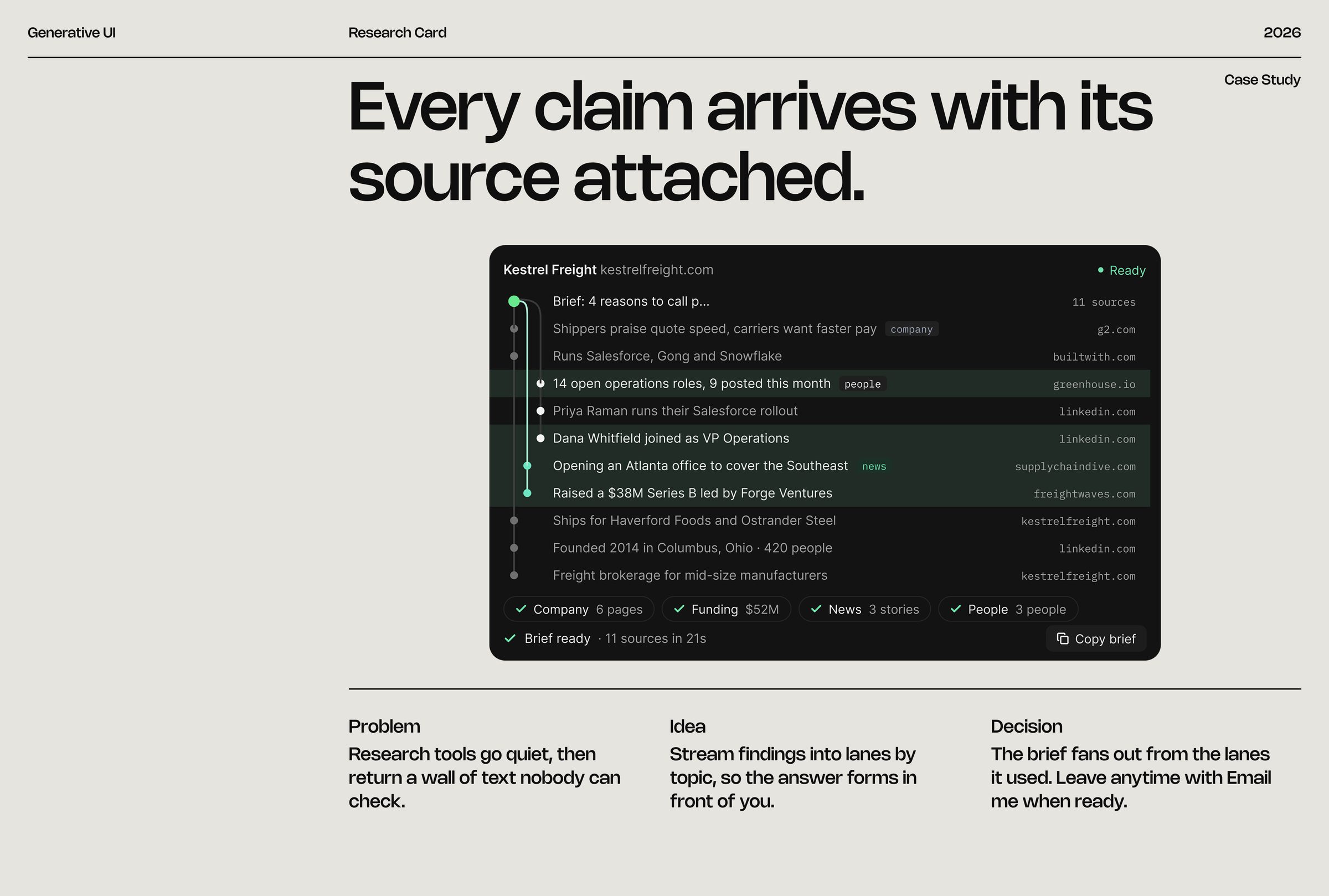
FRAME 19 // 60 RESEARCH CARD

Every claim arrives with its source attached.

Research tools go quiet, then return a wall of text nobody can check.

Research Card: Every claim arrives with its source attached.
Click to zoom & inspect
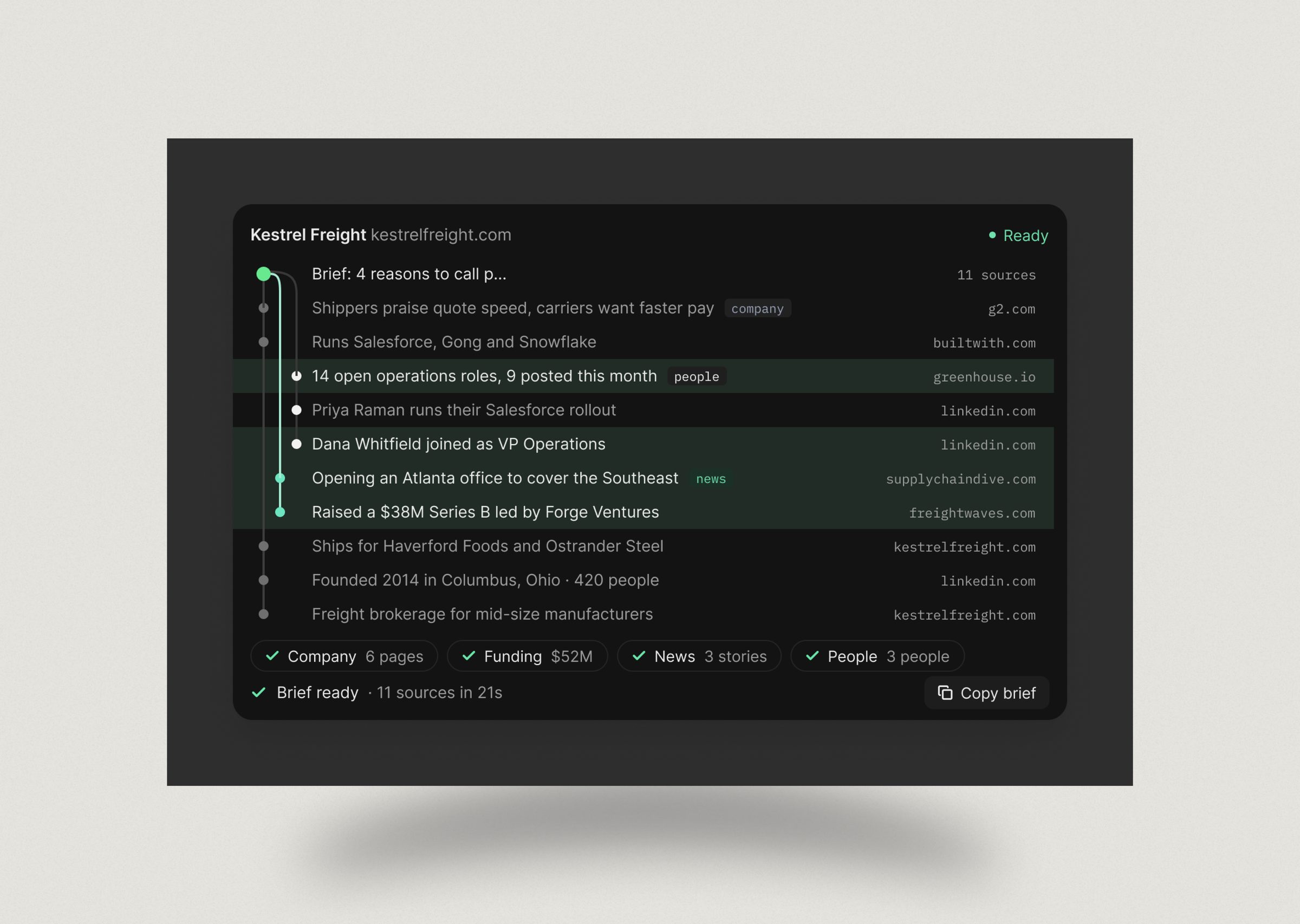
FRAME 20 // 60 RESEARCH CARD: DESKTOP

Research Card on desktop

Research Card: desktop: Research Card on desktop
Click to zoom & inspect
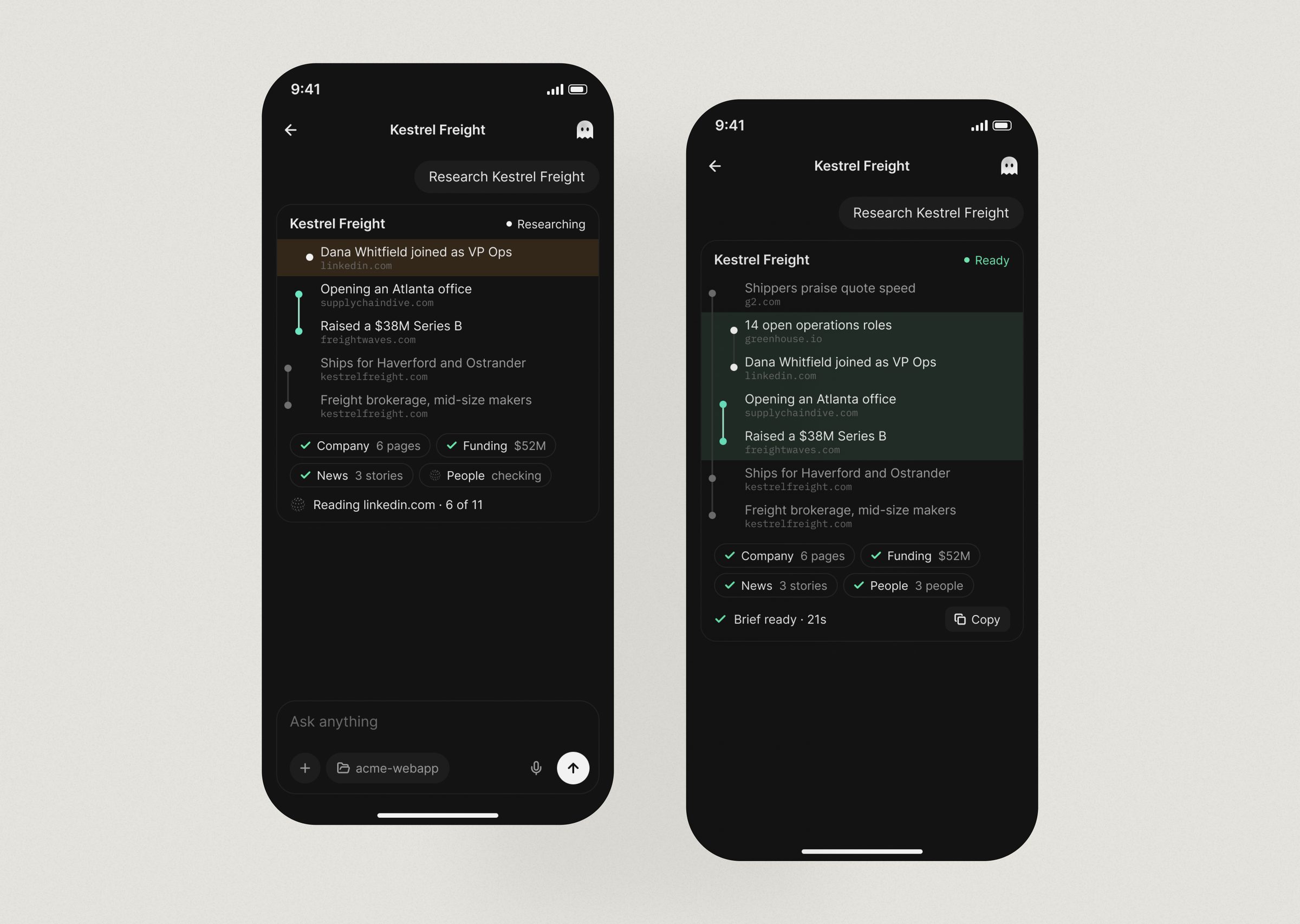
FRAME 21 // 60 RESEARCH CARD: MOBILE

Research Card on mobile

Research Card: mobile: Research Card on mobile
Click to zoom & inspect
FRAME 22 // 60 DOCUMENT SIGNING

A contract, reduced to the three things only you can answer.

Document Signing: A contract, reduced to the three things only you can answer.
Click to zoom & inspect
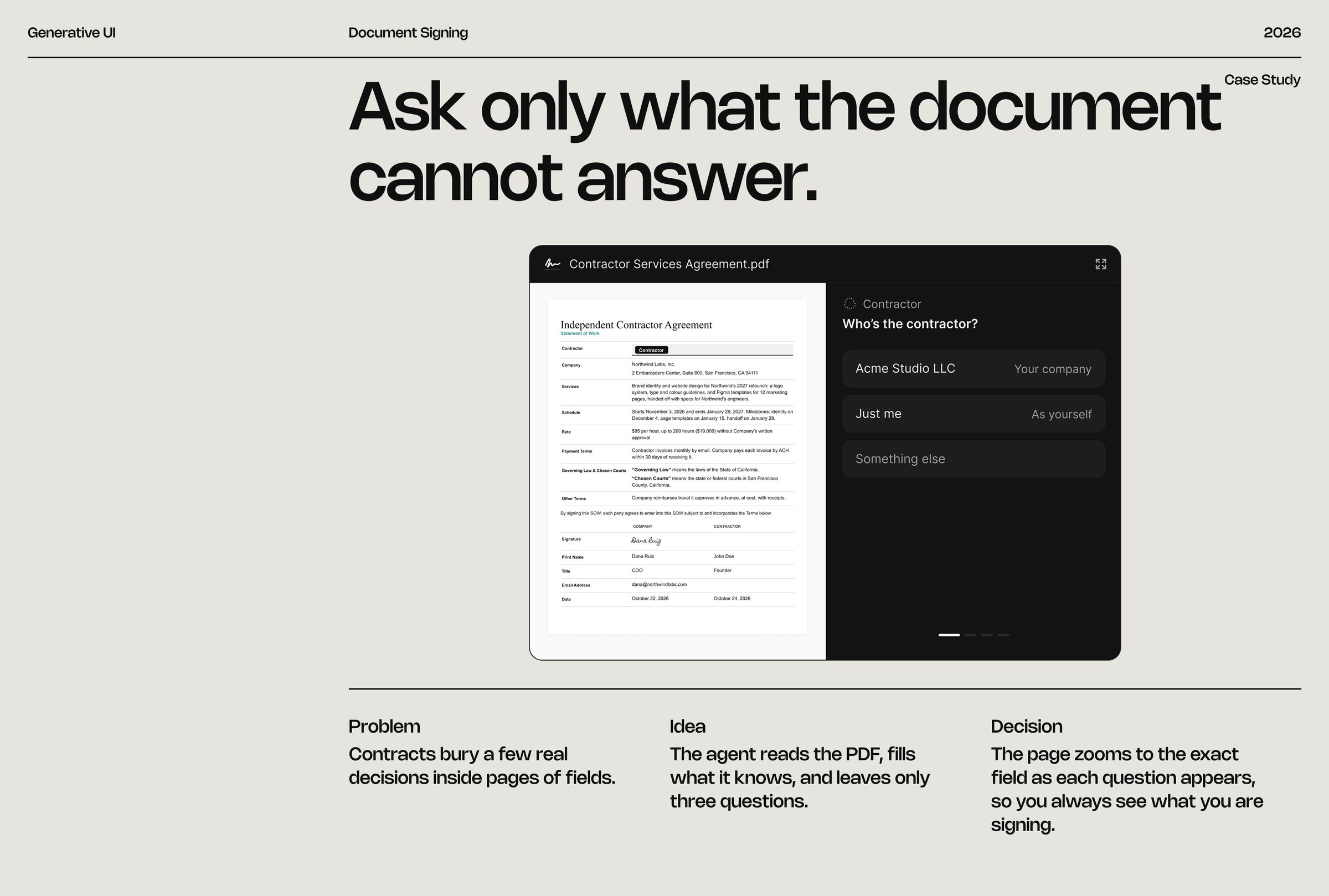
FRAME 23 // 60 DOCUMENT SIGNING

Ask only what the document cannot answer.

Contracts bury a few real decisions inside pages of fields.

Document Signing: Ask only what the document cannot answer.
Click to zoom & inspect
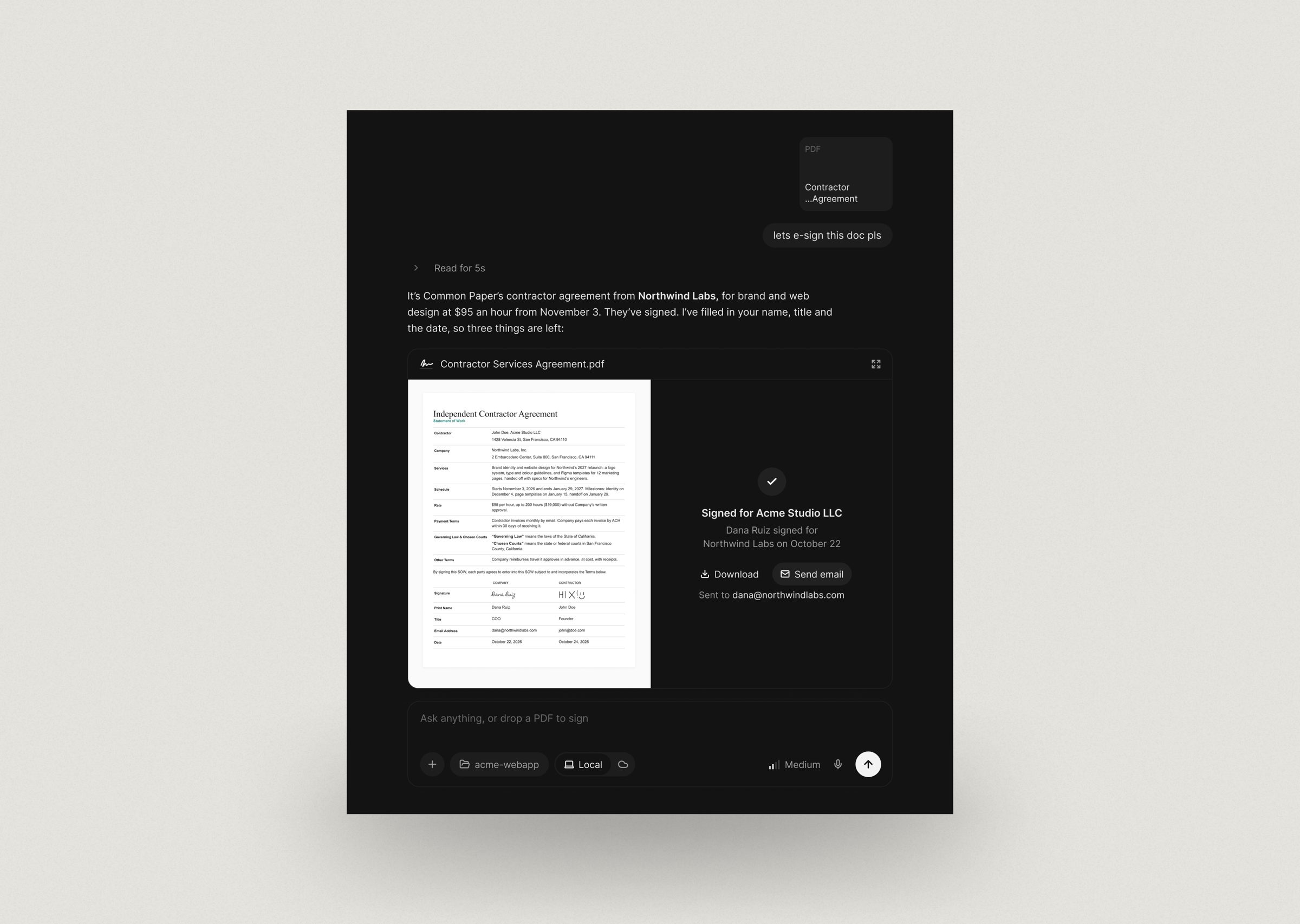
FRAME 24 // 60 DOCUMENT SIGNING: DESKTOP

Document Signing on desktop

Document Signing: desktop: Document Signing on desktop
Click to zoom & inspect
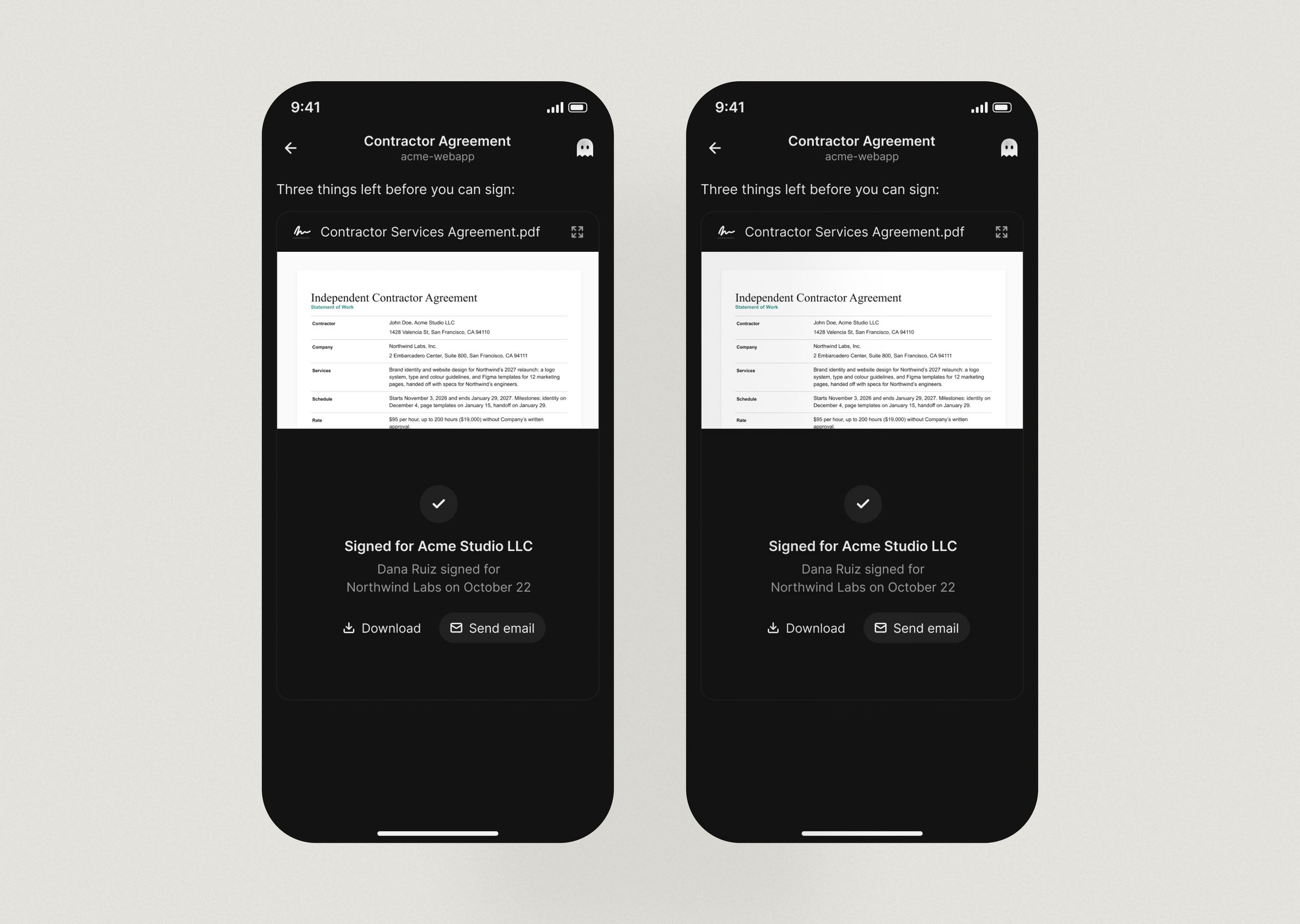
FRAME 25 // 60 DOCUMENT SIGNING: MOBILE

Document Signing on mobile

Document Signing: mobile: Document Signing on mobile
Click to zoom & inspect
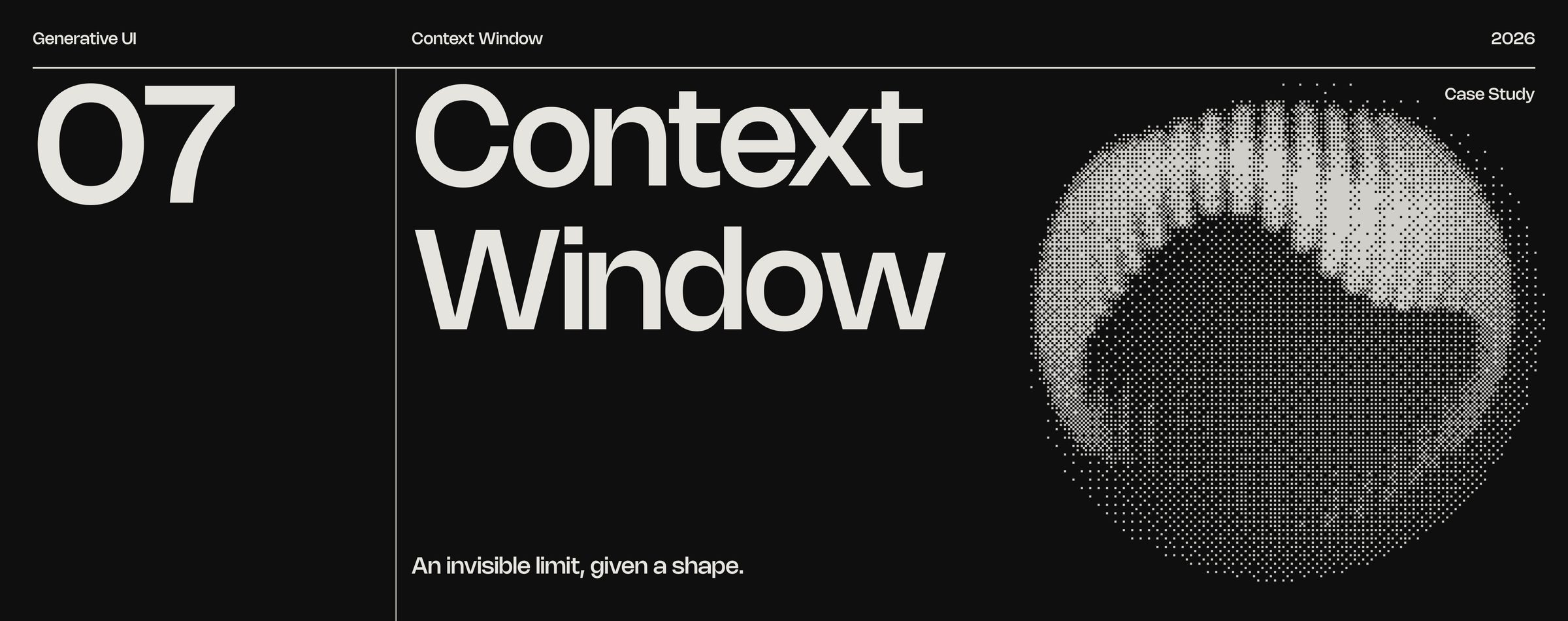
FRAME 26 // 60 CONTEXT WINDOW

An invisible limit, given a shape.

Context Window: An invisible limit, given a shape.
Click to zoom & inspect
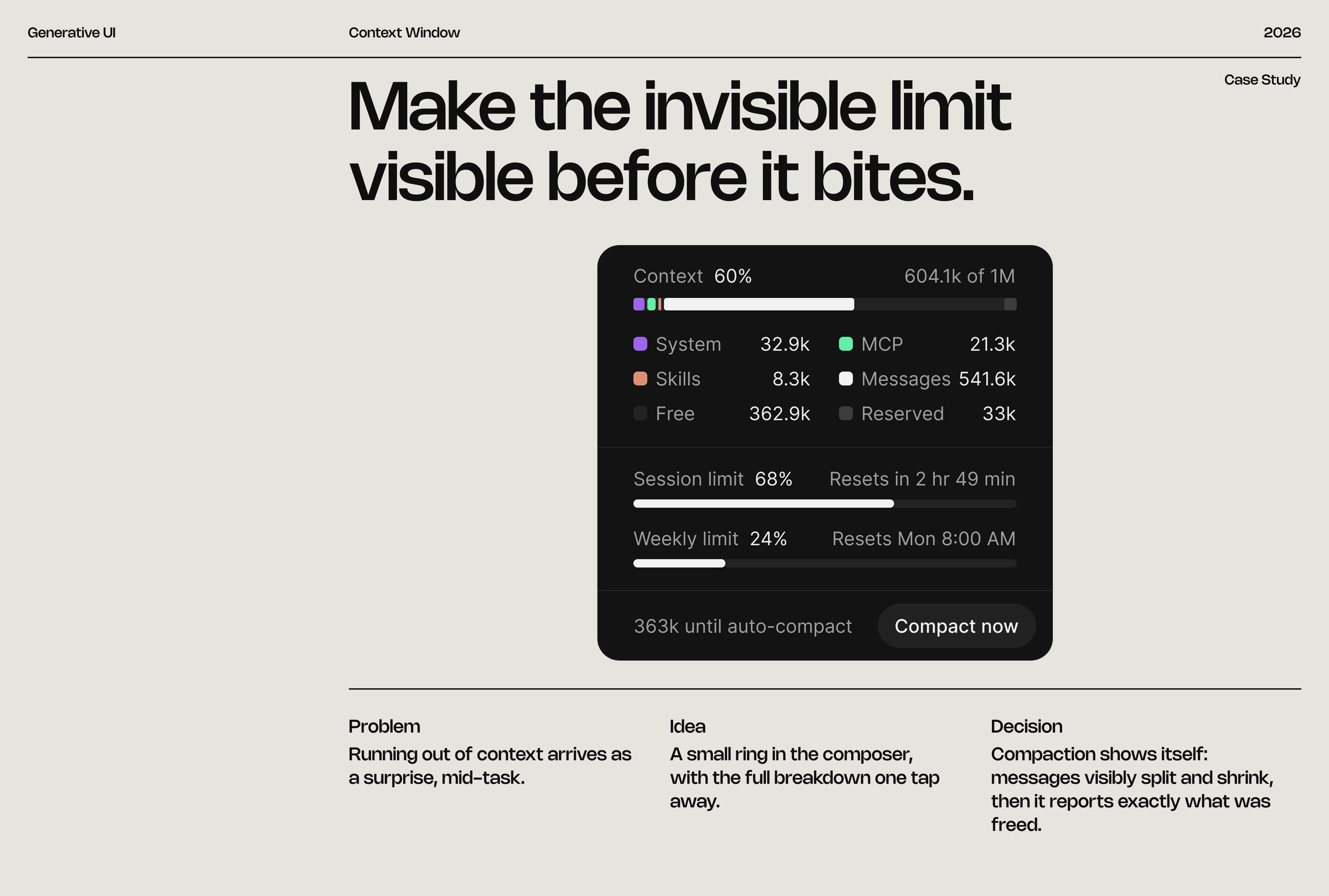
FRAME 27 // 60 CONTEXT WINDOW

Make the invisible limit visible before it bites.

Running out of context arrives as a surprise, mid-task.

Context Window: Make the invisible limit visible before it bites.
Click to zoom & inspect
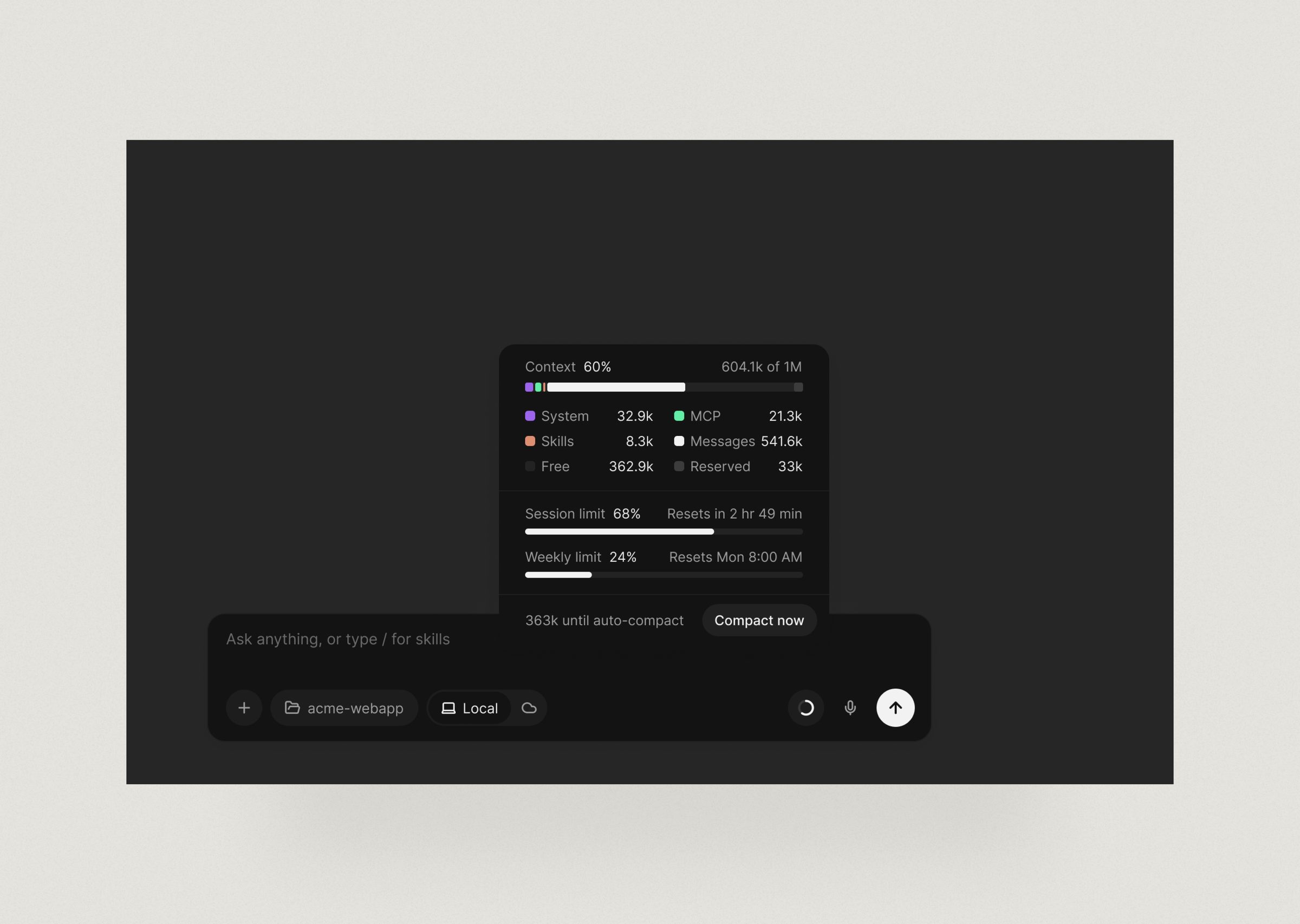
FRAME 28 // 60 CONTEXT WINDOW: DESKTOP

Context Window on desktop

Context Window: desktop: Context Window on desktop
Click to zoom & inspect
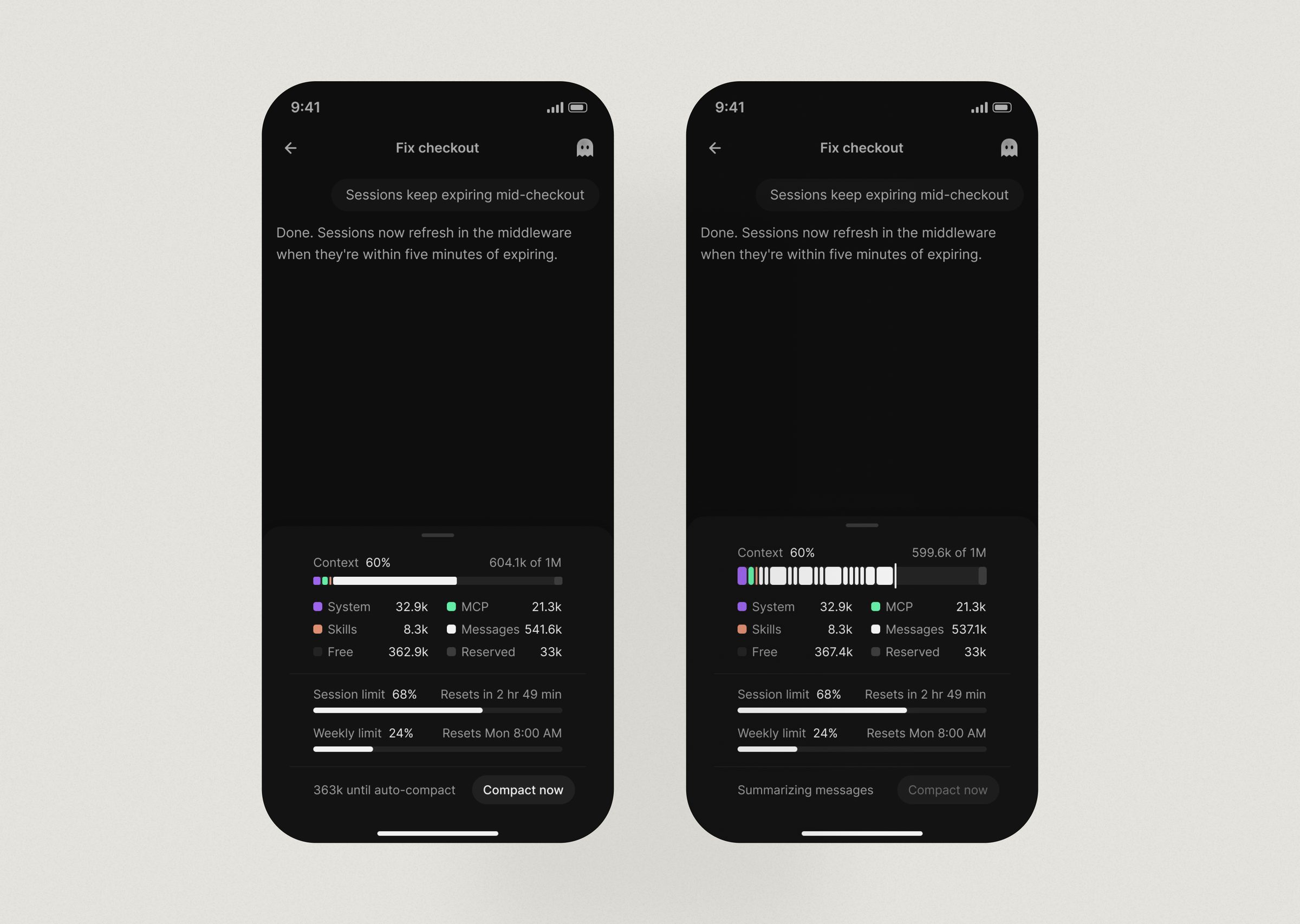
FRAME 29 // 60 CONTEXT WINDOW: MOBILE

Context Window on mobile

Context Window: mobile: Context Window on mobile
Click to zoom & inspect
CHAPTER 05

Developer flows

FRAMES 30–41
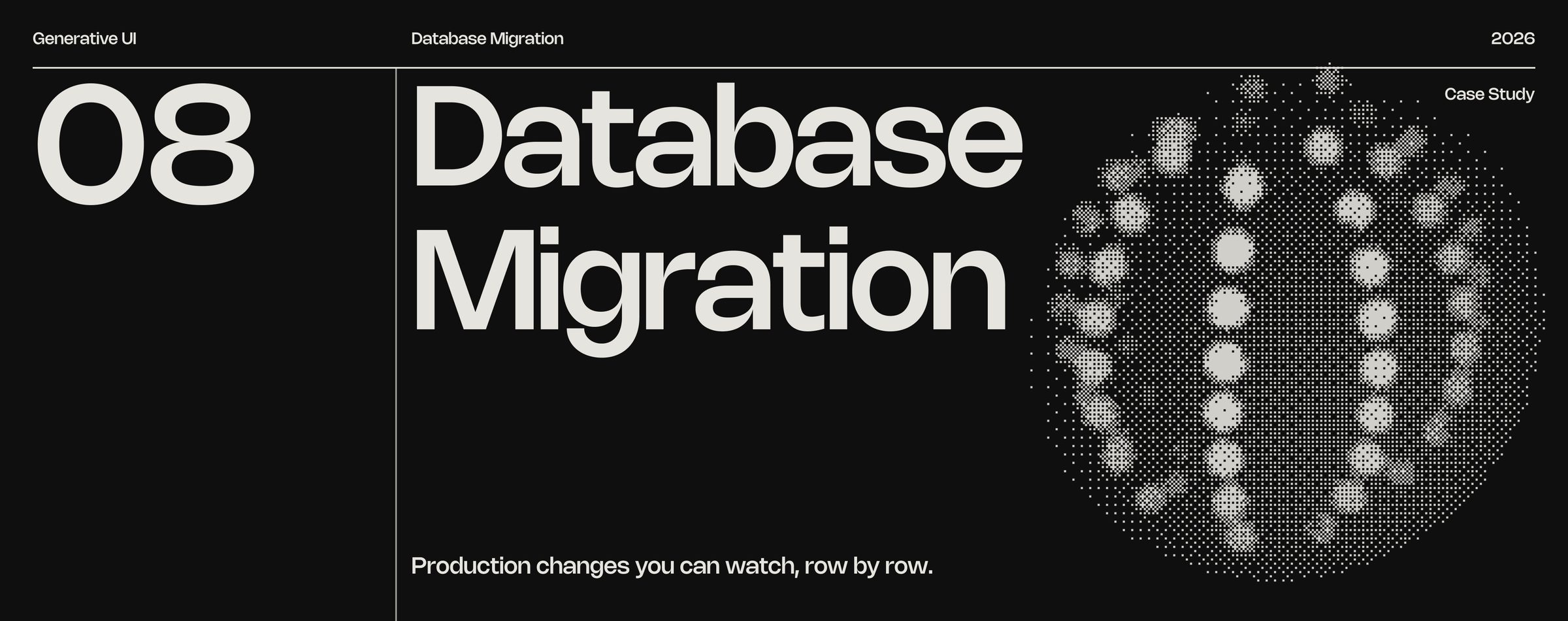
FRAME 30 // 60 DATABASE MIGRATION

Production changes you can watch, row by row.

Database Migration: Production changes you can watch, row by row.
Click to zoom & inspect
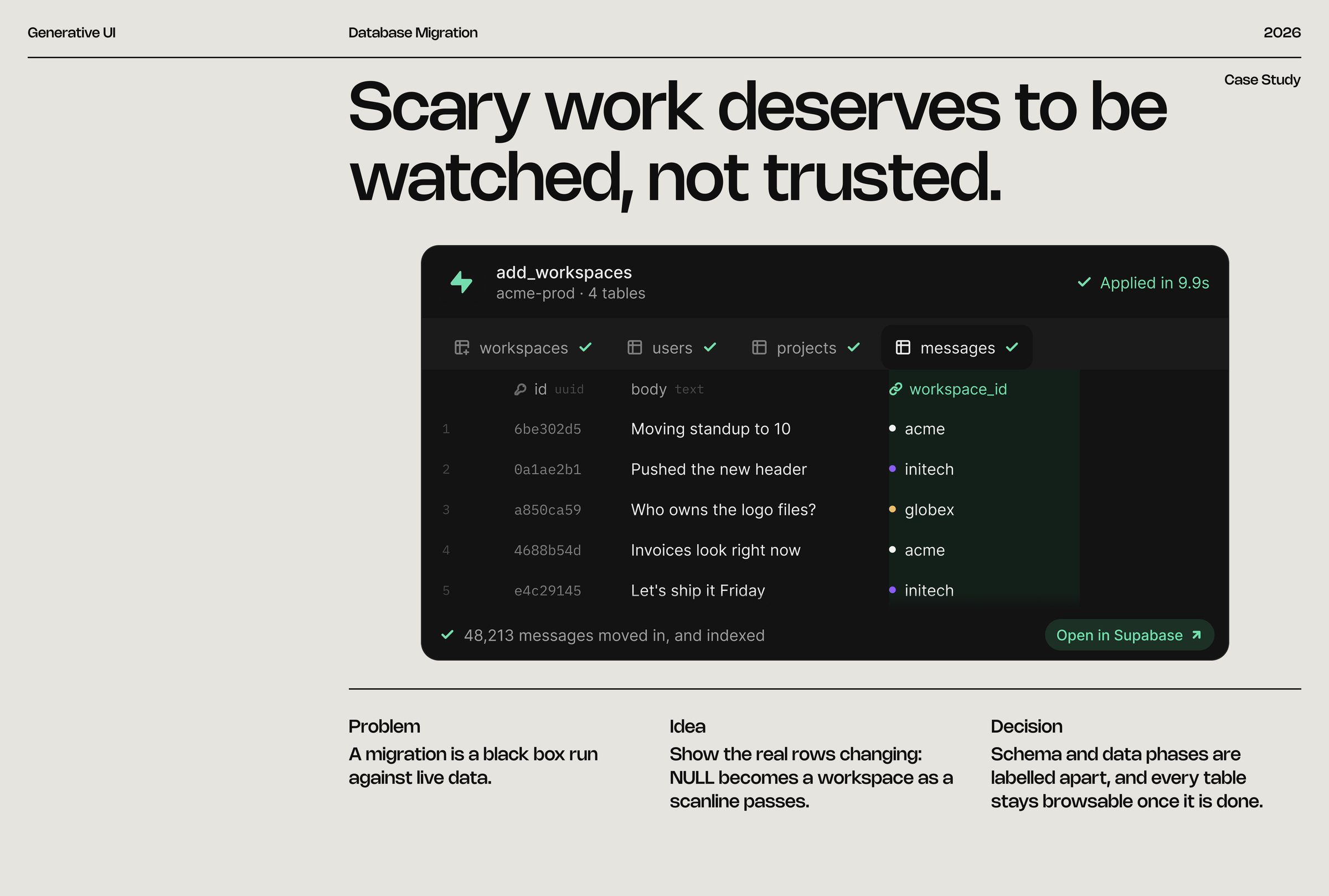
FRAME 31 // 60 DATABASE MIGRATION

Scary work deserves to be watched, not trusted.

A migration is a black box run against live data.

Database Migration: Scary work deserves to be watched, not trusted.
Click to zoom & inspect
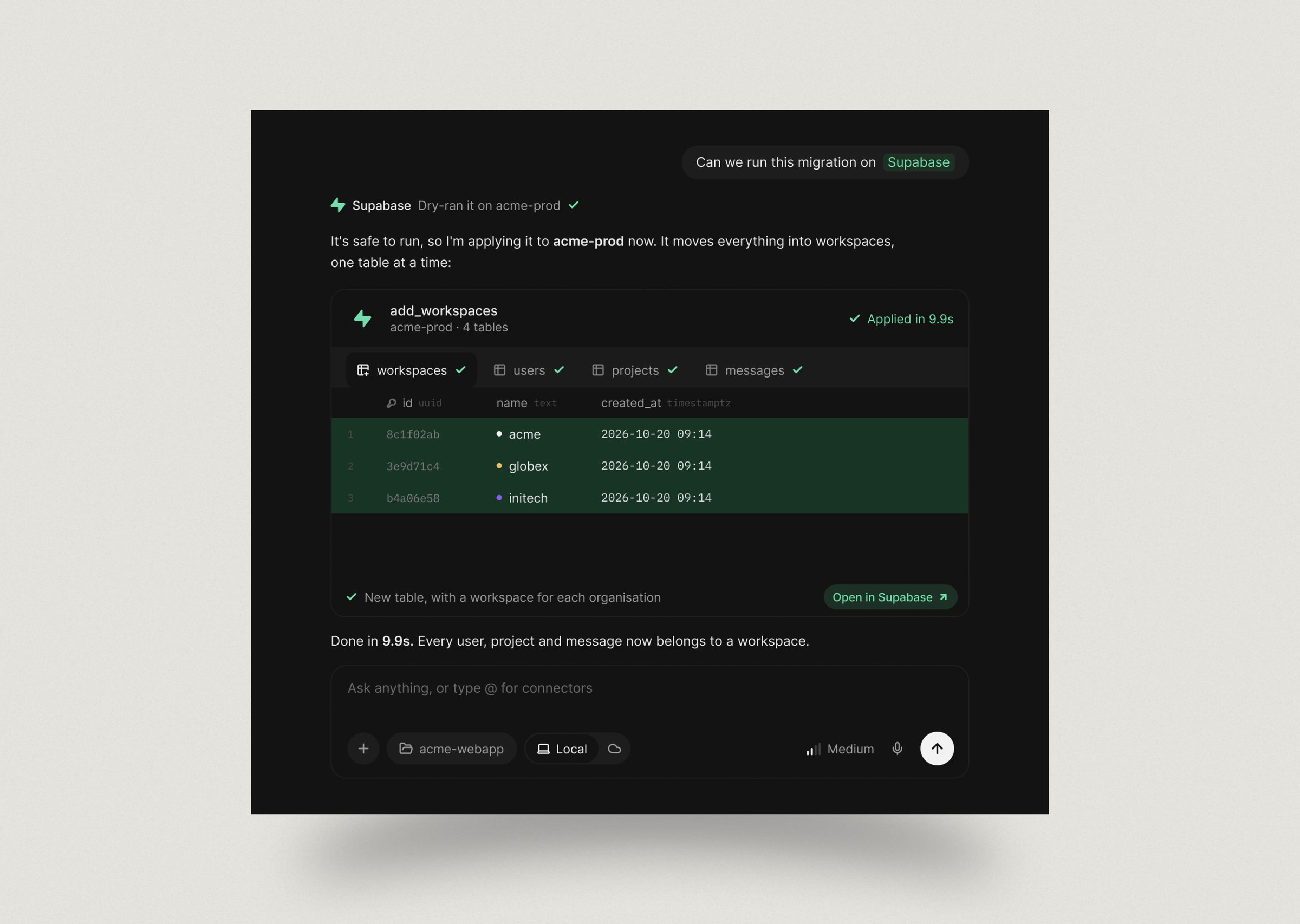
FRAME 32 // 60 DATABASE MIGRATION: DESKTOP

Database Migration on desktop

Database Migration: desktop: Database Migration on desktop
Click to zoom & inspect
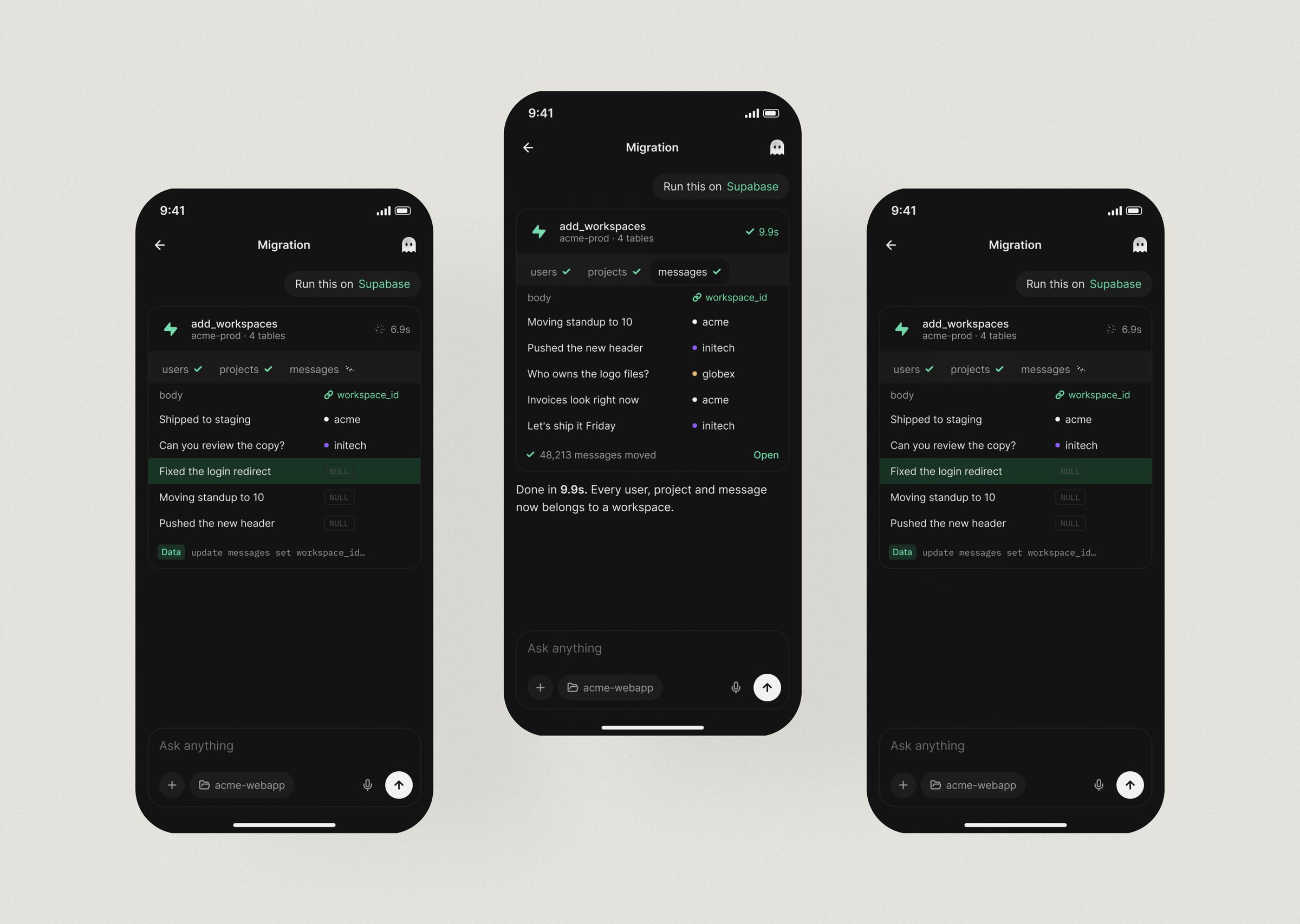
FRAME 33 // 60 DATABASE MIGRATION: MOBILE

Database Migration on mobile

Database Migration: mobile: Database Migration on mobile
Click to zoom & inspect
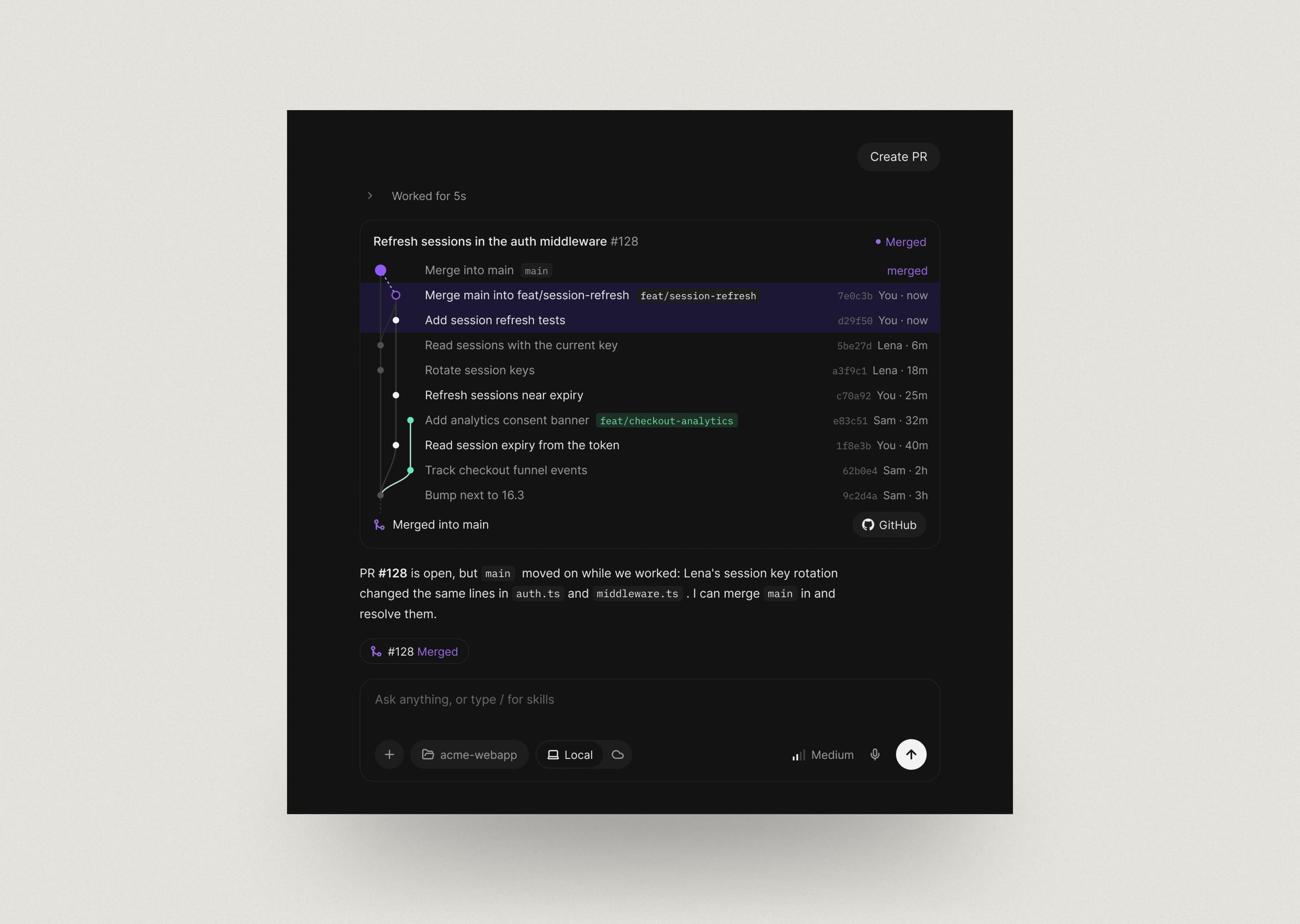
FRAME 34 // 60 PR TIMELINE

The commit graph becomes the status bar.

PR Timeline: The commit graph becomes the status bar.
Click to zoom & inspect
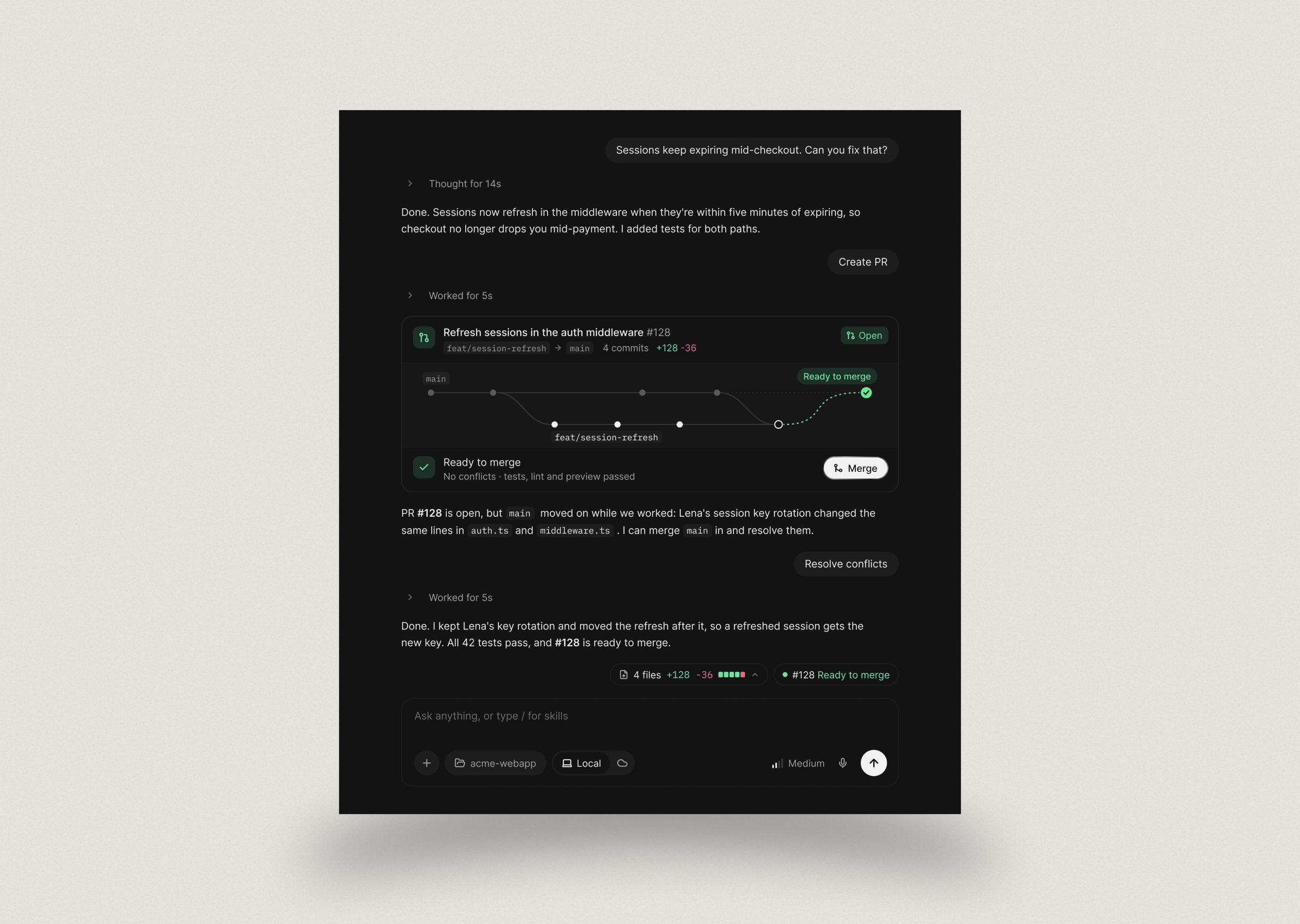
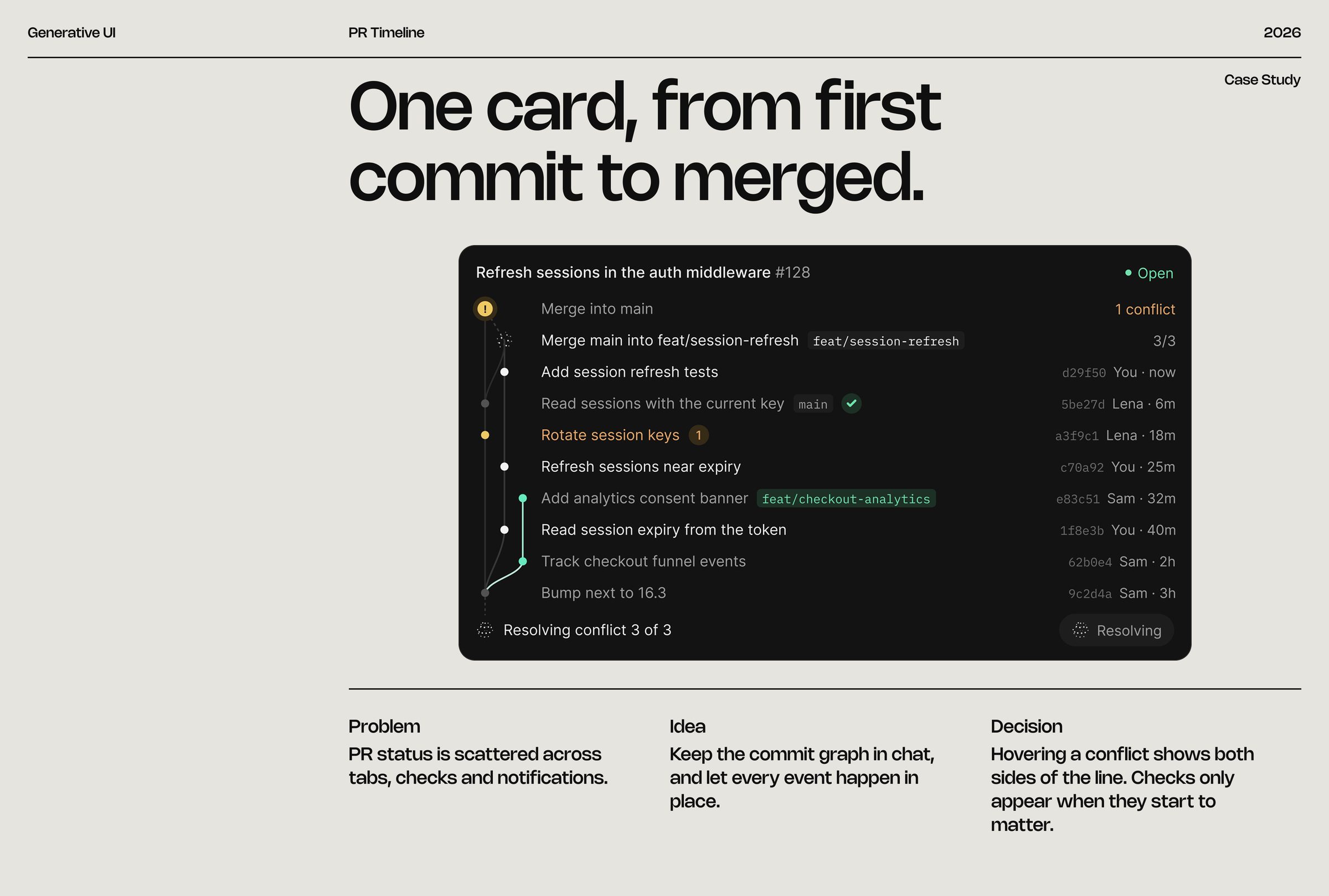
FRAME 35 // 60 PR TIMELINE

One card, from first commit to merged.

PR status is scattered across tabs, checks and notifications.

PR Timeline: One card, from first commit to merged.
Click to zoom & inspect
FRAME 36 // 60 PR TIMELINE: DESKTOP

PR Timeline on desktop

PR Timeline: desktop: PR Timeline on desktop
Click to zoom & inspect
FRAME 37 // 60 PR TIMELINE: MOBILE

PR Timeline on mobile

PR Timeline: mobile: PR Timeline on mobile
Click to zoom & inspect
FRAME 38 // 60 PR GRAPH

The same story, told as a shape.

PR Graph: The same story, told as a shape.
Click to zoom & inspect
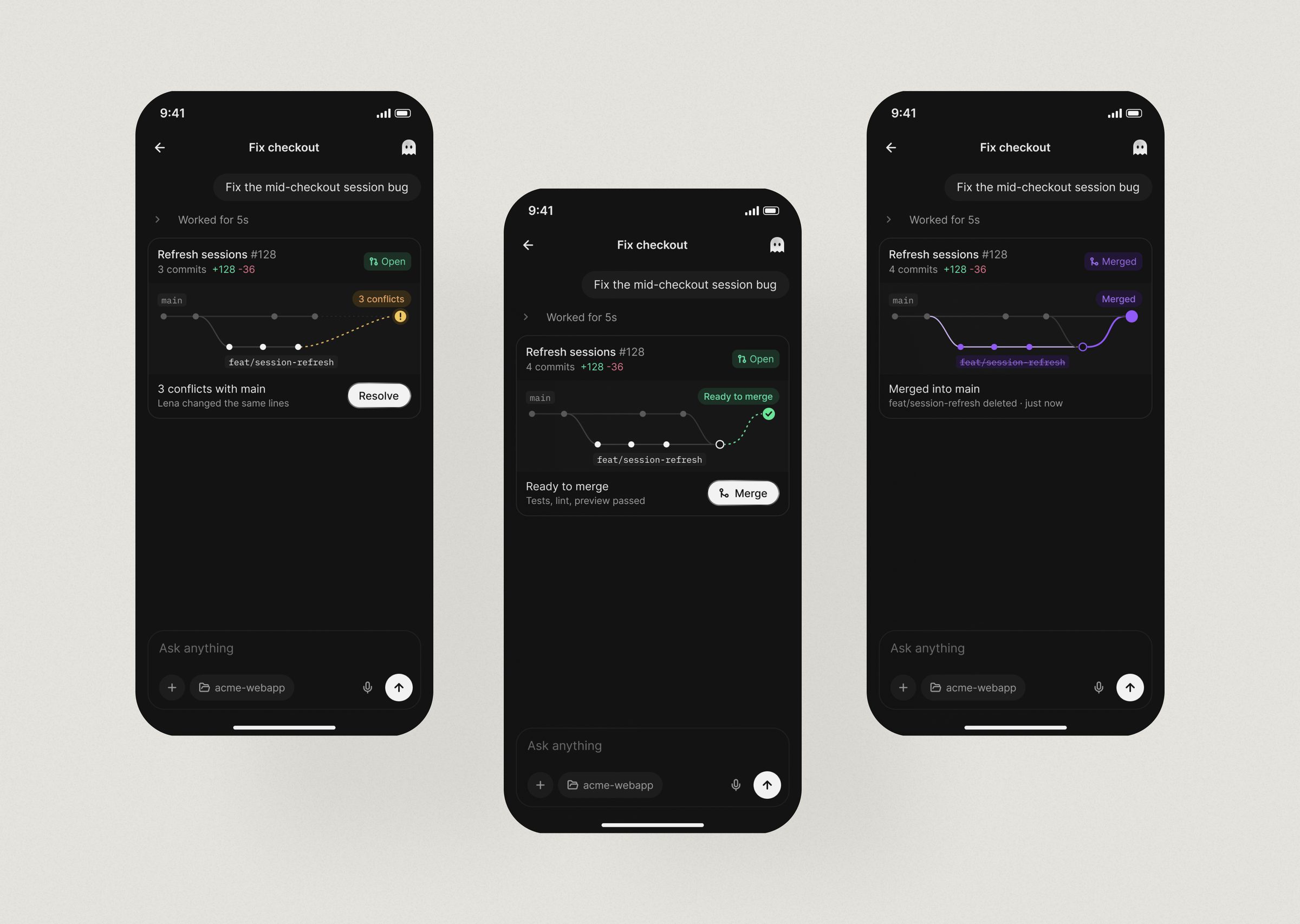
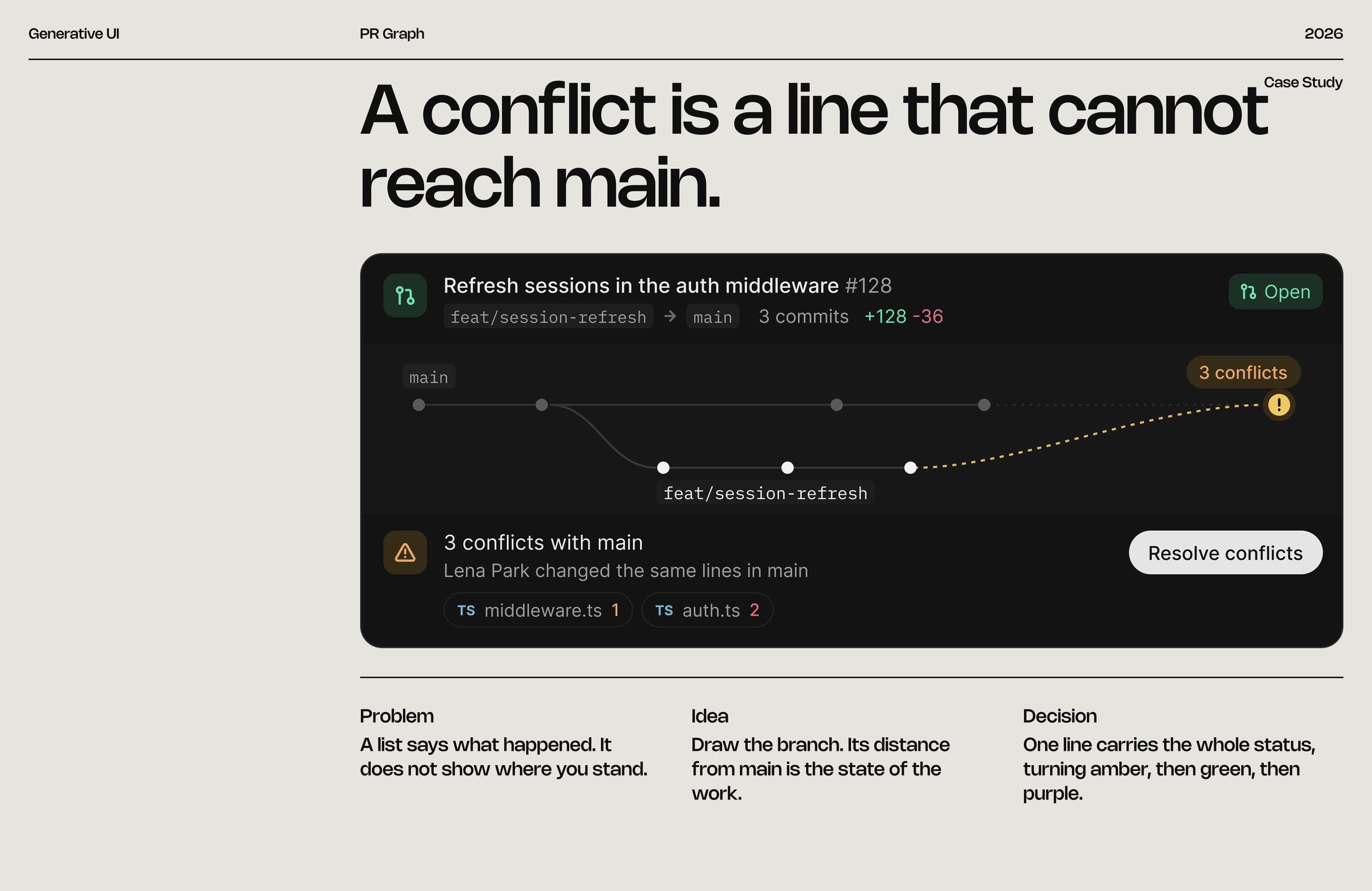
FRAME 39 // 60 PR GRAPH

A conflict is a line that cannot reach main.

A list says what happened. It does not show where you stand.

PR Graph: A conflict is a line that cannot reach main.
Click to zoom & inspect
FRAME 40 // 60 PR GRAPH: DESKTOP

PR Graph on desktop

PR Graph: desktop: PR Graph on desktop
Click to zoom & inspect
FRAME 41 // 60 PR GRAPH: MOBILE

PR Graph on mobile

PR Graph: mobile: PR Graph on mobile
Click to zoom & inspect
CHAPTER 06

Time, voice & effort

FRAMES 42–53
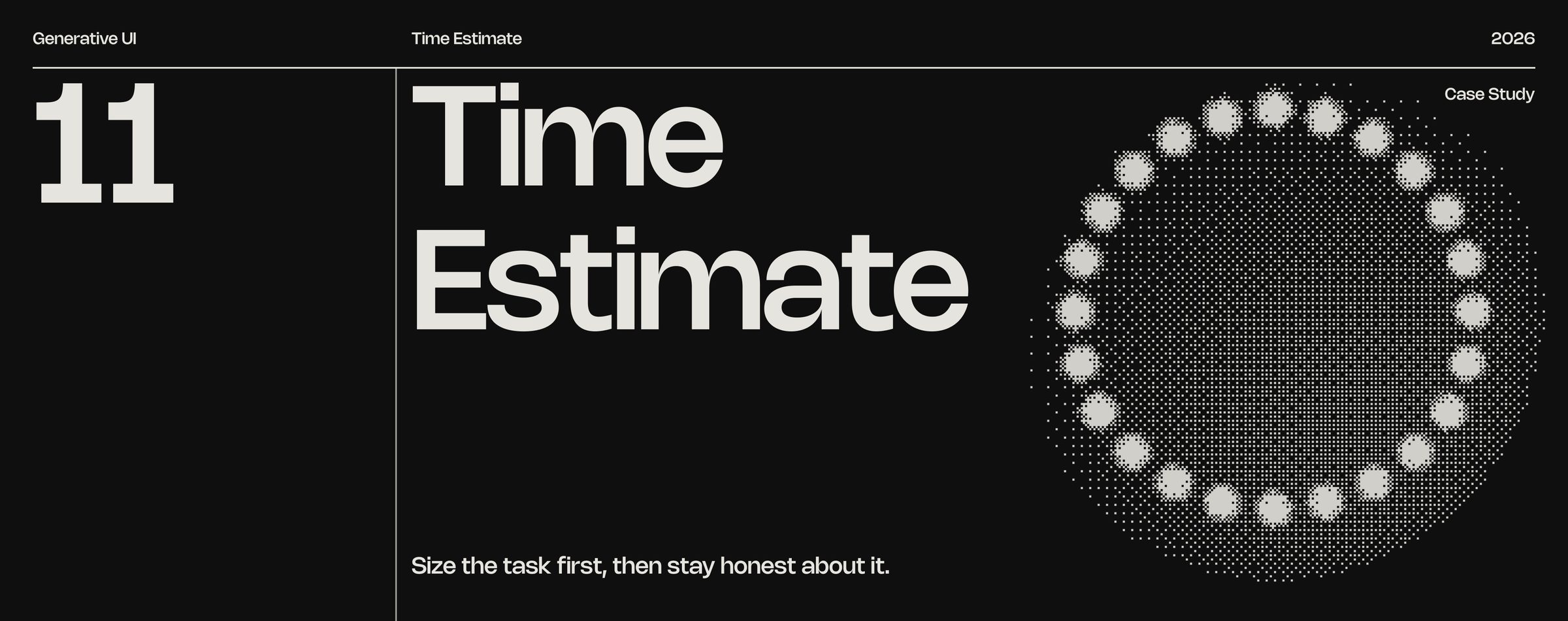
FRAME 42 // 60 TIME ESTIMATE

Size the task first, then stay honest about it.

Time Estimate: Size the task first, then stay honest about it.
Click to zoom & inspect
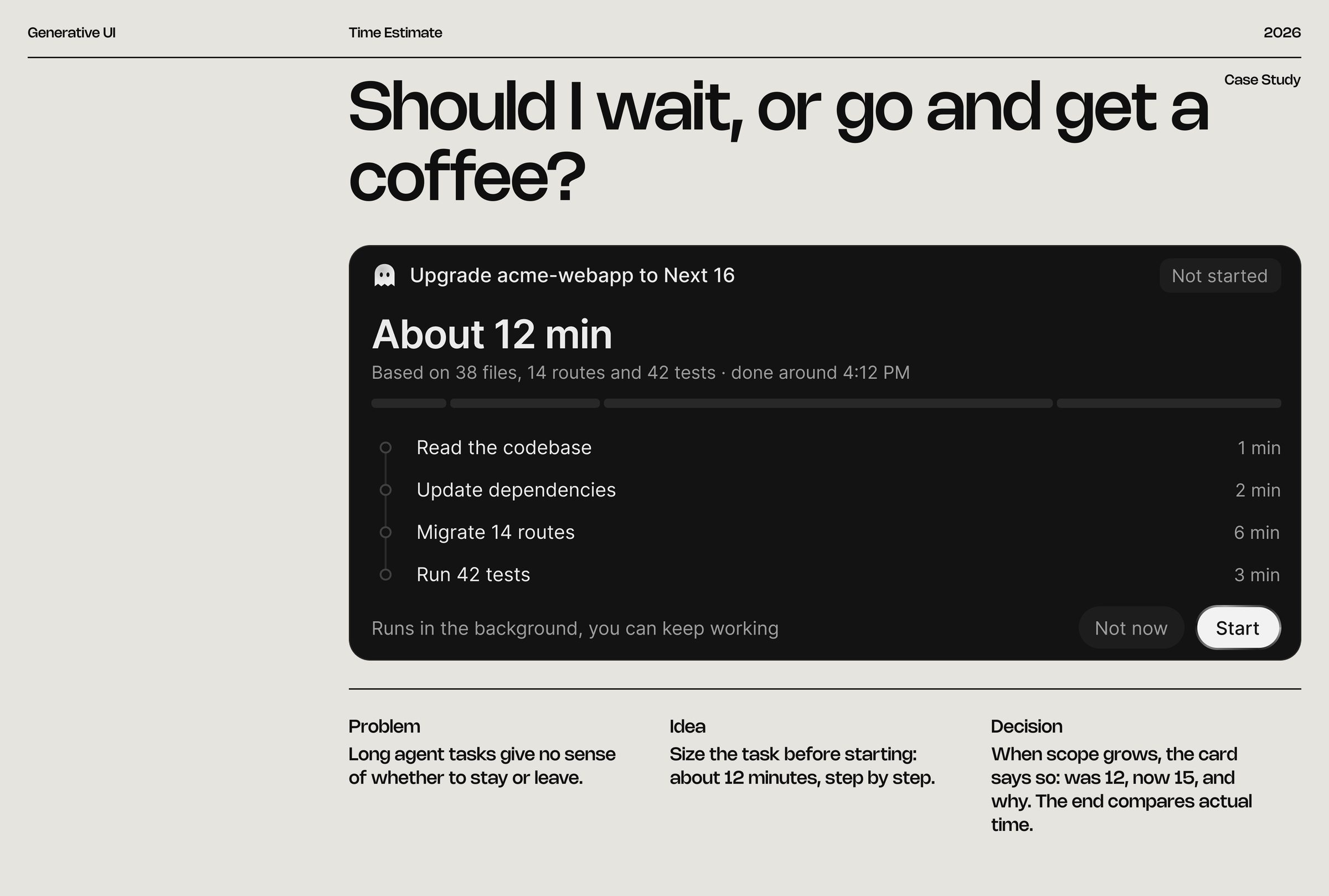
FRAME 43 // 60 TIME ESTIMATE

Should I wait, or go and get a coffee?

Long agent tasks give no sense of whether to stay or leave.

Time Estimate: Should I wait, or go and get a coffee?
Click to zoom & inspect
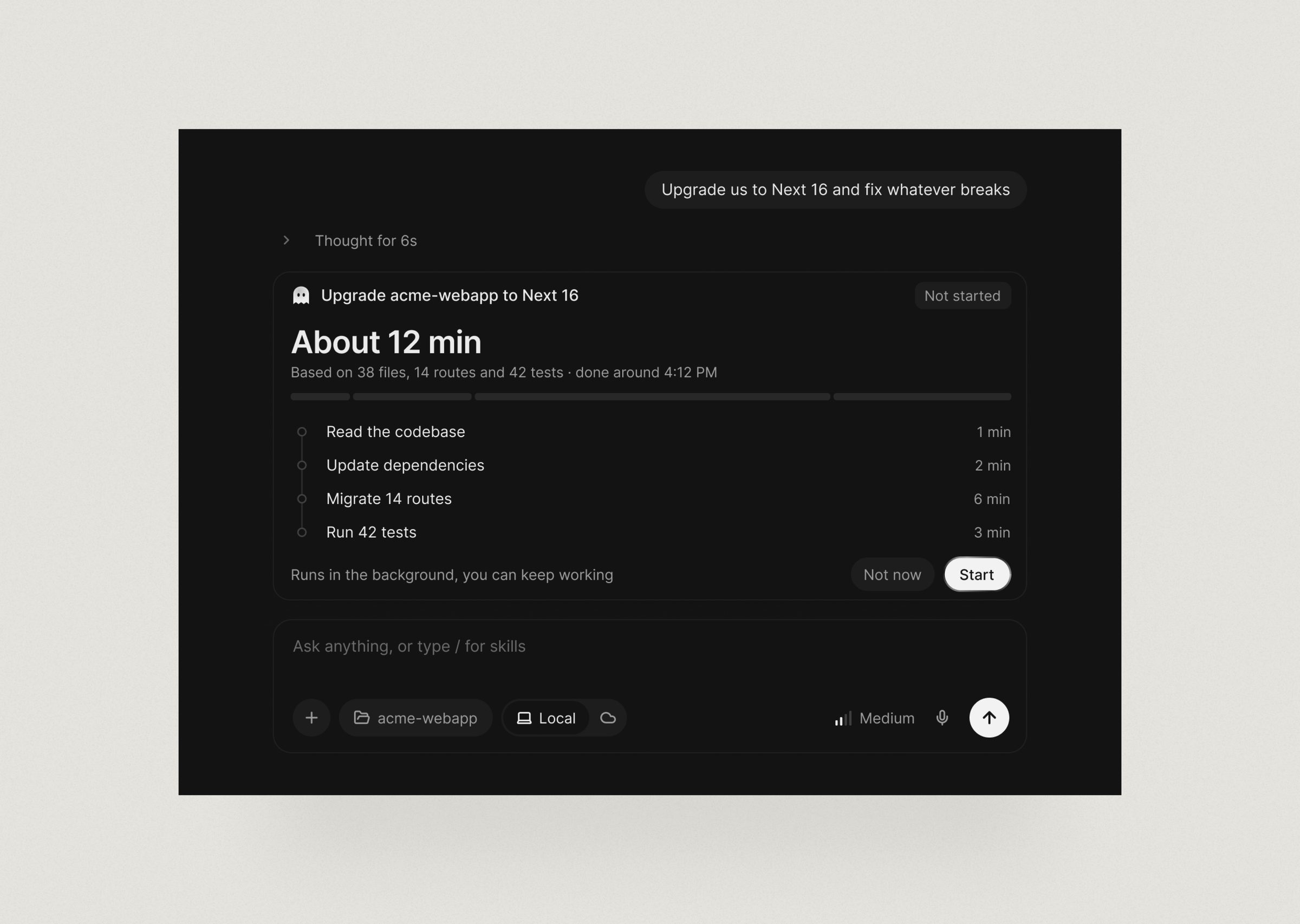
FRAME 44 // 60 TIME ESTIMATE: DESKTOP

Time Estimate on desktop

Time Estimate: desktop: Time Estimate on desktop
Click to zoom & inspect
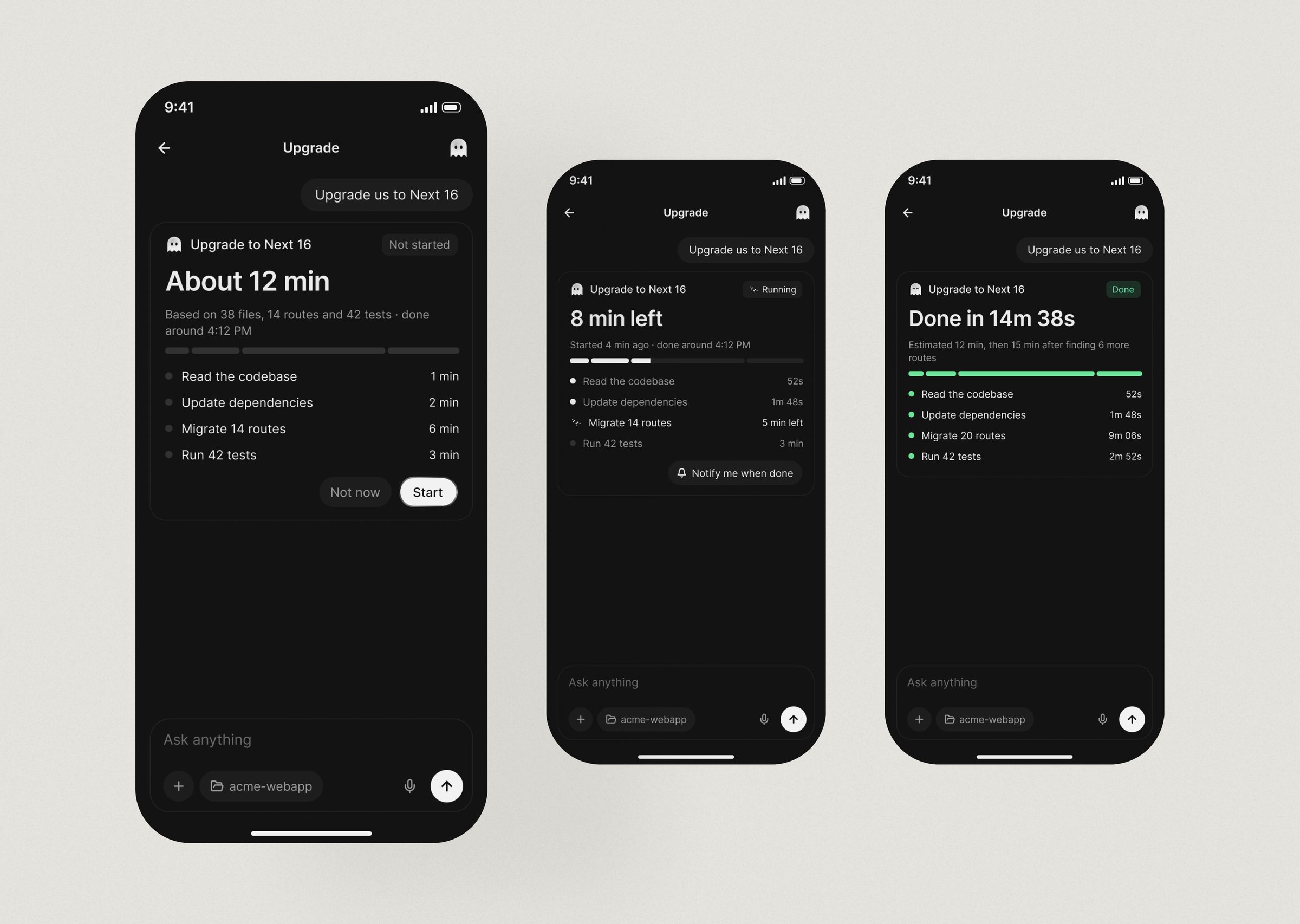
FRAME 45 // 60 TIME ESTIMATE: MOBILE

Time Estimate on mobile

Time Estimate: mobile: Time Estimate on mobile
Click to zoom & inspect
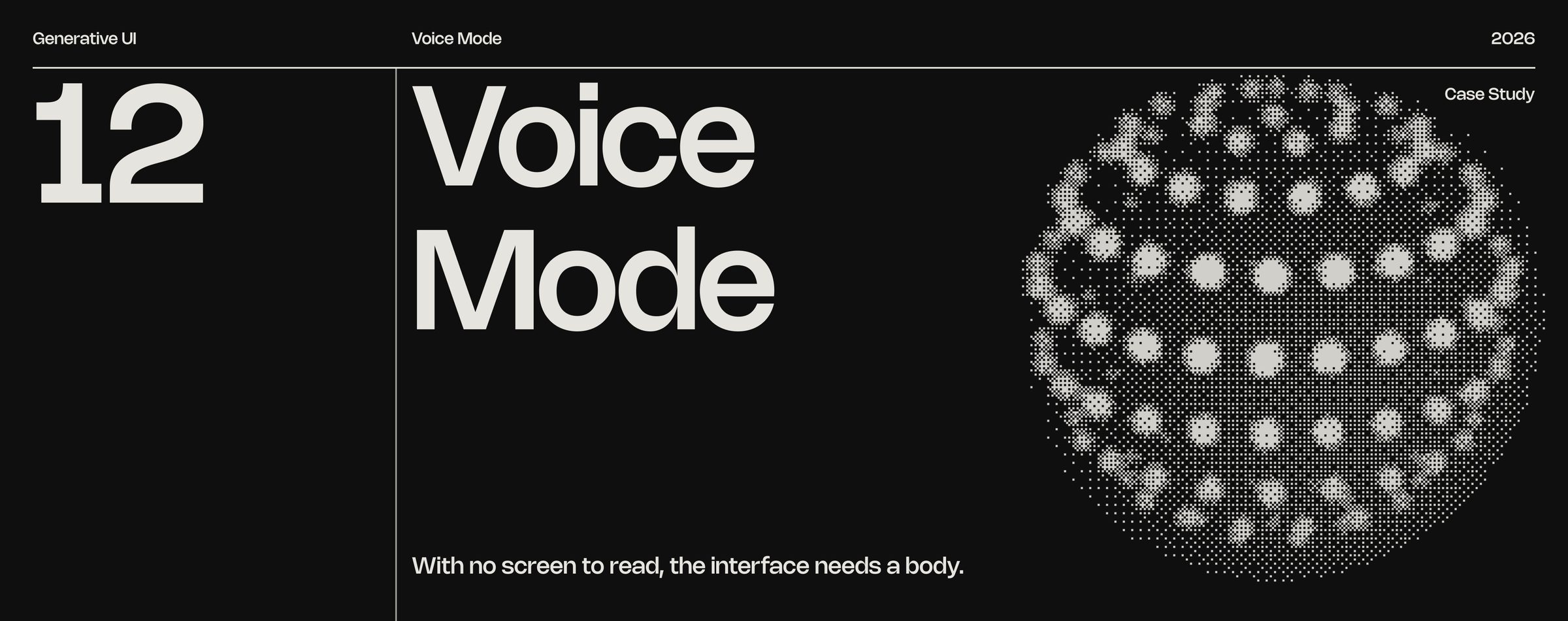
FRAME 46 // 60 VOICE MODE

With no screen to read, the interface needs a body.

Voice Mode: With no screen to read, the interface needs a body.
Click to zoom & inspect
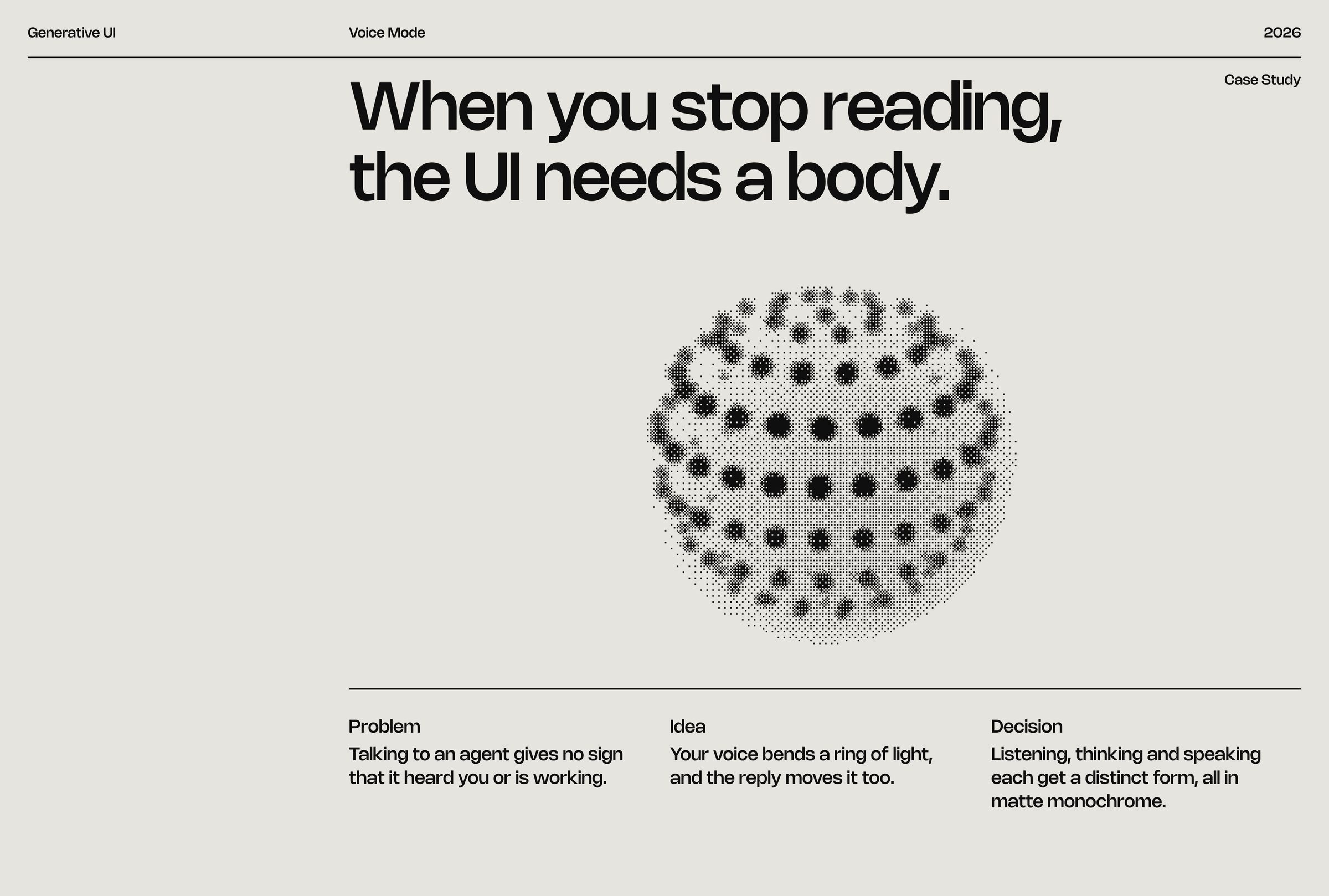
FRAME 47 // 60 VOICE MODE

When you stop reading, the UI needs a body.

Talking to an agent gives no sign that it heard you or is working.

Voice Mode: When you stop reading, the UI needs a body.
Click to zoom & inspect
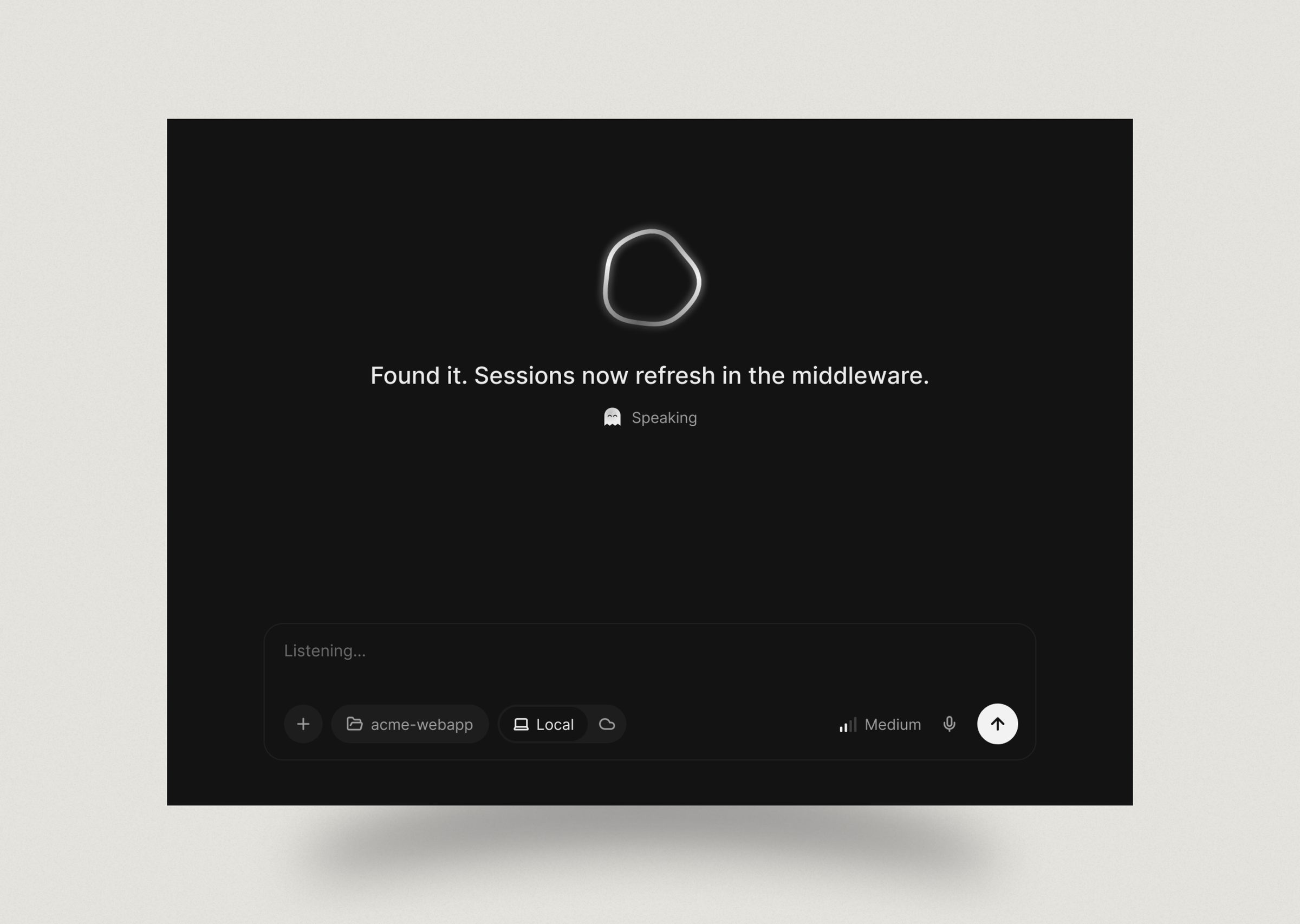
FRAME 48 // 60 VOICE MODE: DESKTOP

Voice Mode on desktop

Voice Mode: desktop: Voice Mode on desktop
Click to zoom & inspect
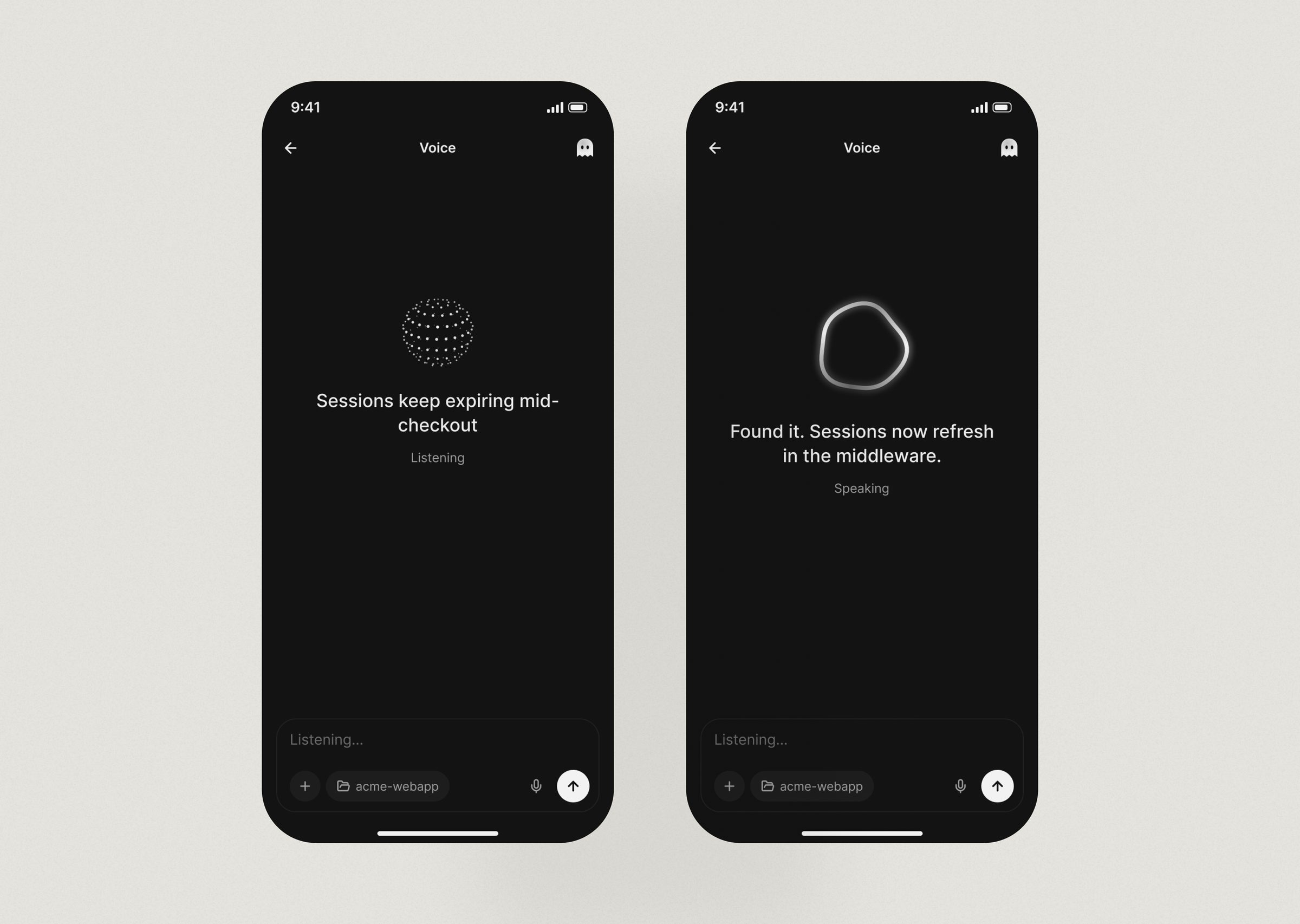
FRAME 49 // 60 VOICE MODE: MOBILE

Voice Mode on mobile

Voice Mode: mobile: Voice Mode on mobile
Click to zoom & inspect
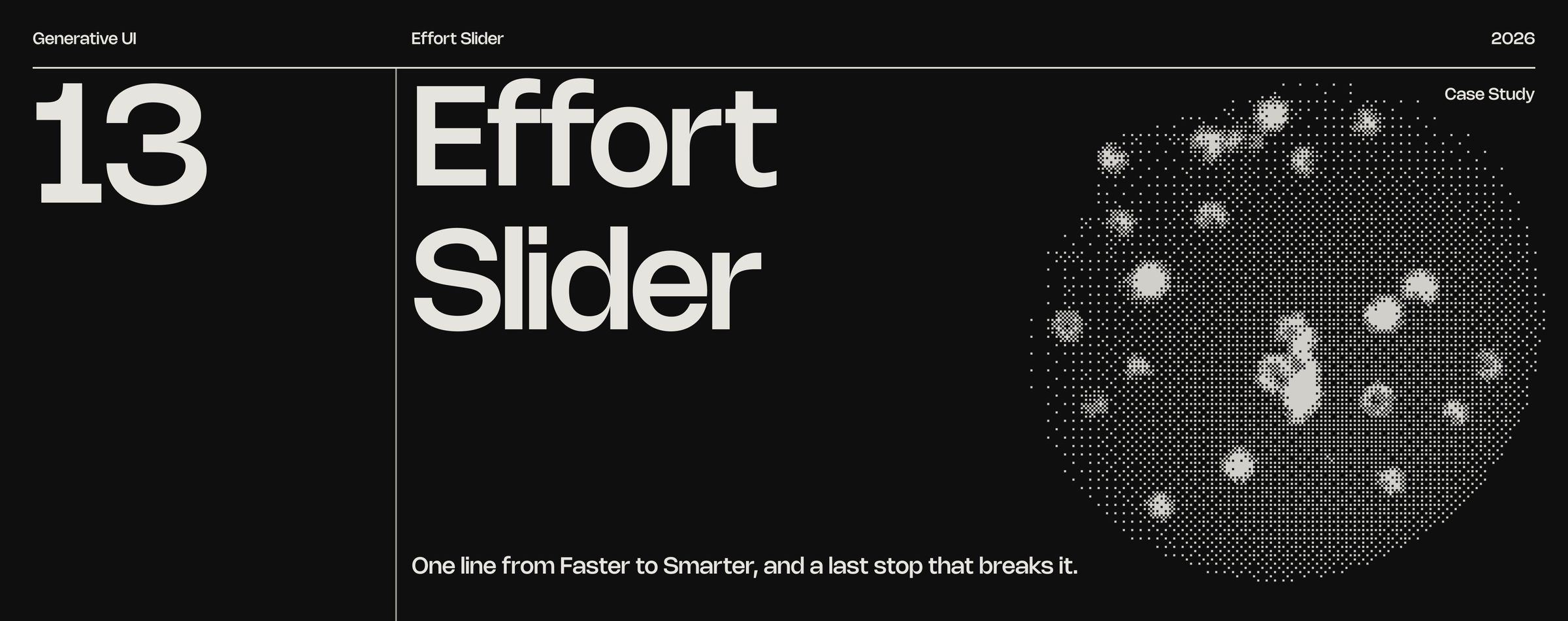
FRAME 50 // 60 EFFORT SLIDER

One line from Faster to Smarter, and a last stop that breaks it.

Effort Slider: One line from Faster to Smarter, and a last stop that breaks it.
Click to zoom & inspect
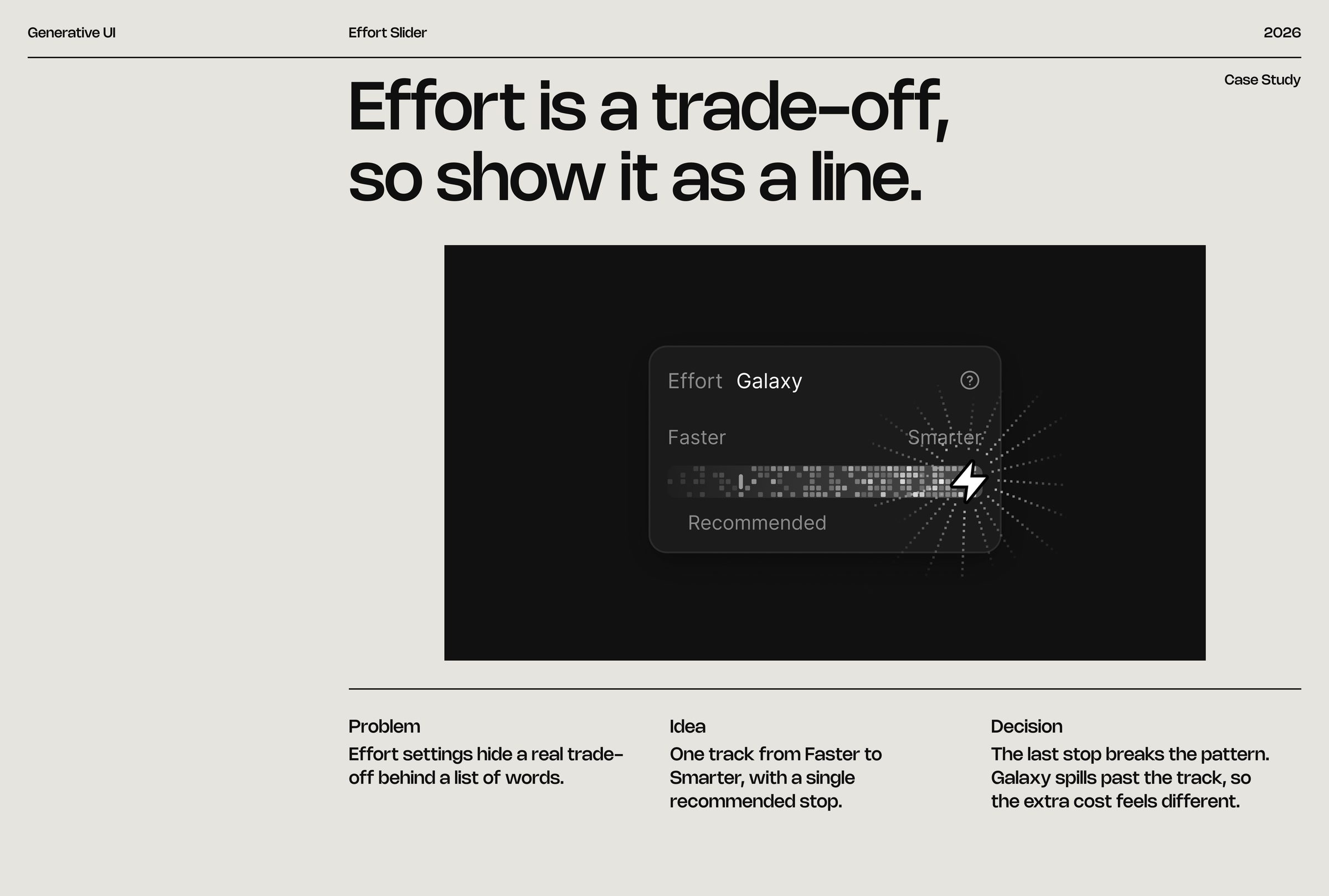
FRAME 51 // 60 EFFORT SLIDER

Effort is a trade-off, so show it as a line.

Effort settings hide a real trade-off behind a list of words.

Effort Slider: Effort is a trade-off, so show it as a line.
Click to zoom & inspect
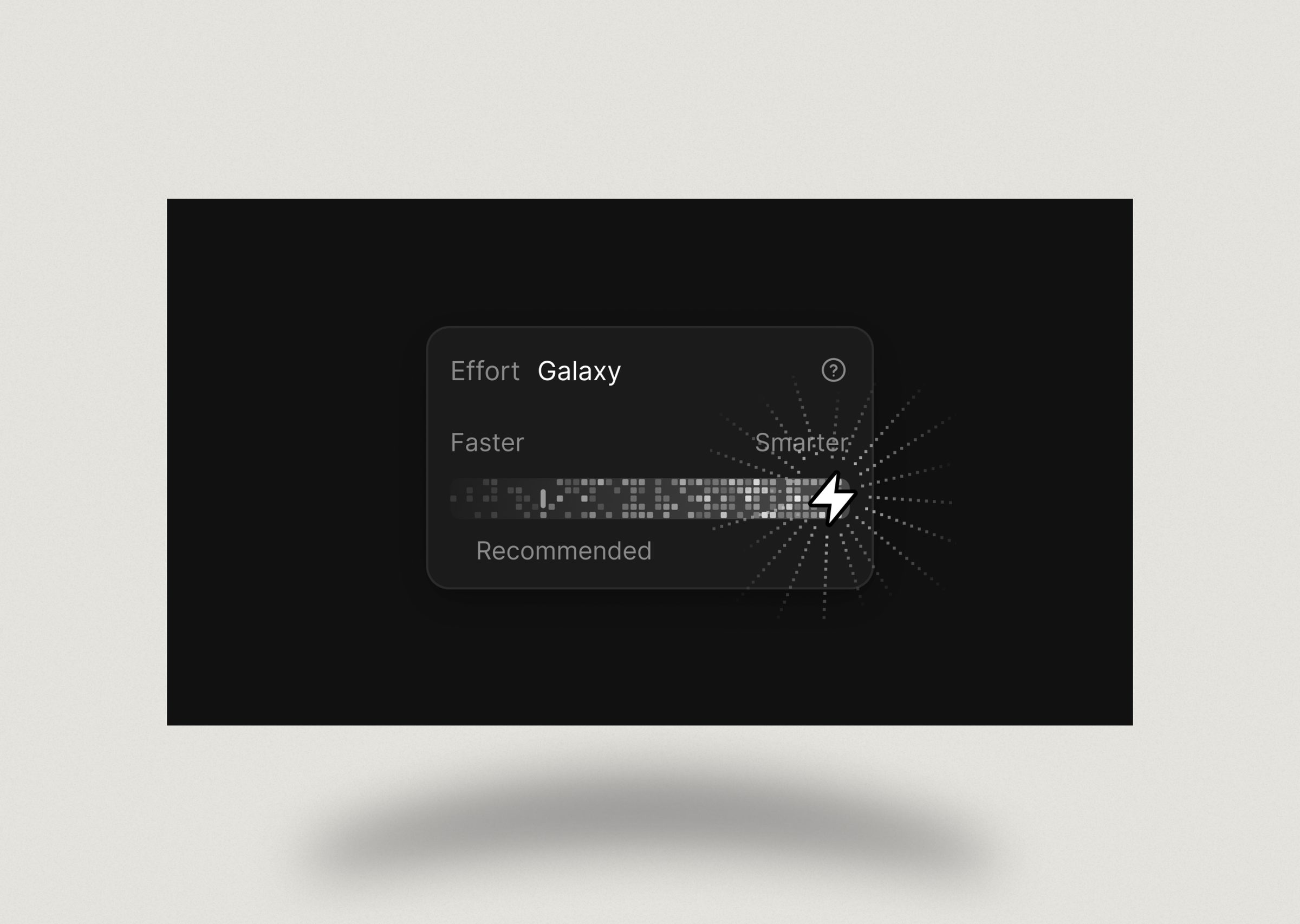
FRAME 52 // 60 EFFORT SLIDER: DESKTOP

Effort Slider on desktop

Effort Slider: desktop: Effort Slider on desktop
Click to zoom & inspect
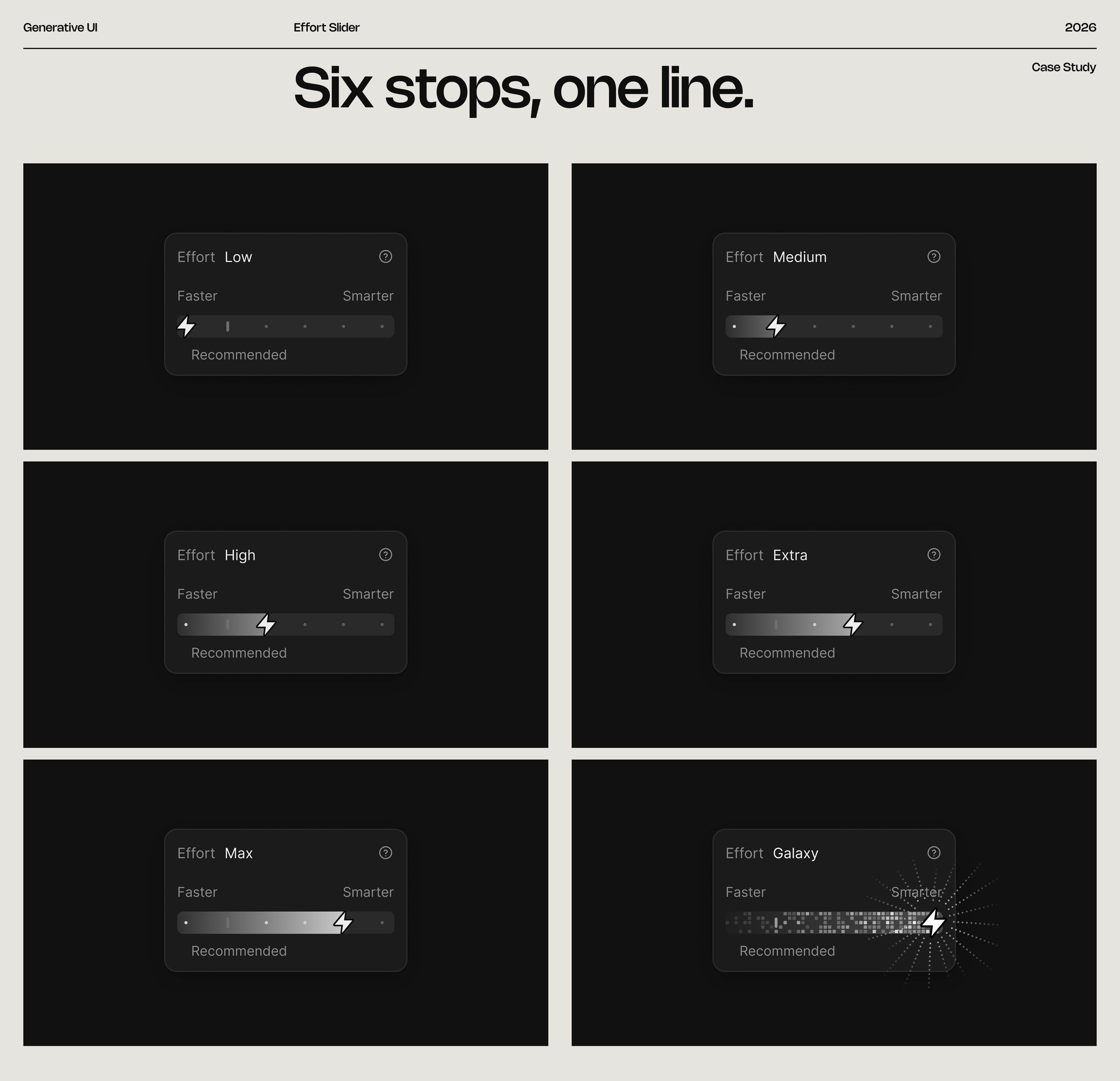
FRAME 53 // 60 EFFORT SLIDER: STATES

Six stops, one line.

Effort Slider: states: Six stops, one line.
Click to zoom & inspect
CHAPTER 07

Dark, mobile & close

FRAMES 54–60
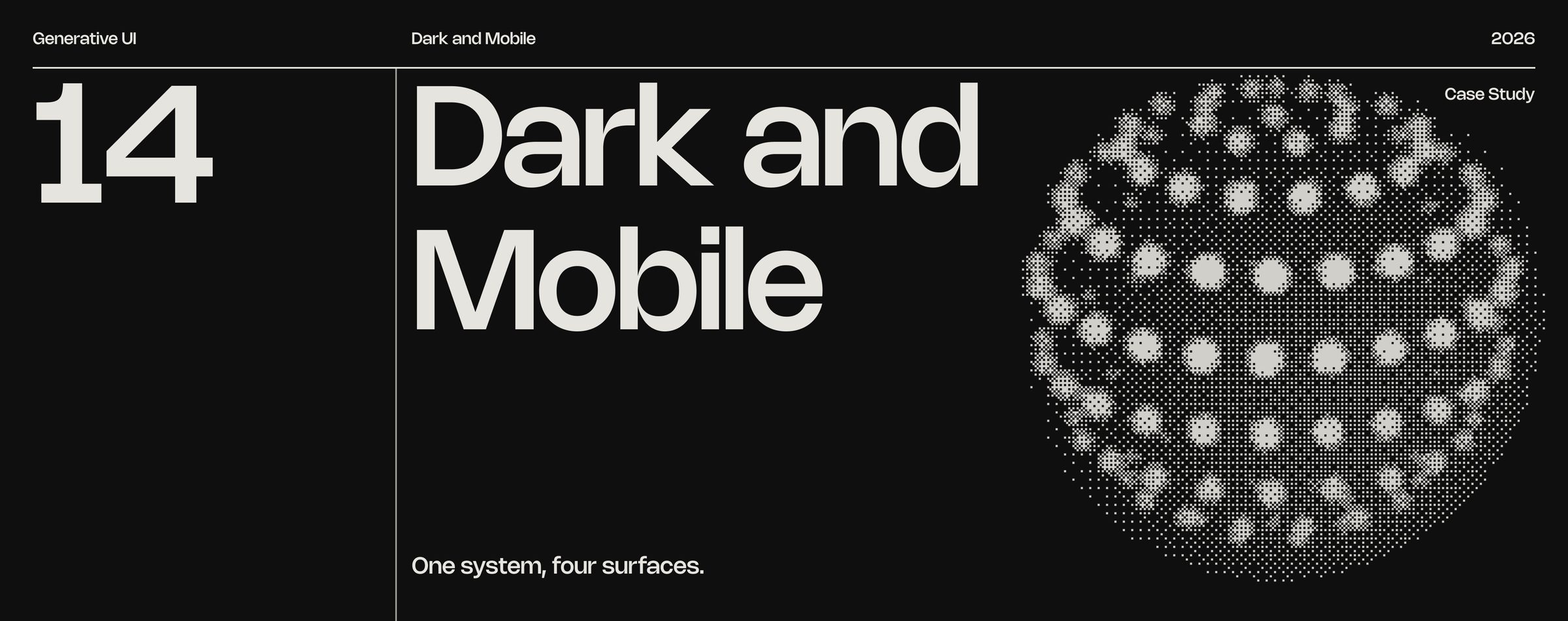
FRAME 54 // 60 DARK AND MOBILE

One system, four surfaces.

Dark and mobile: One system, four surfaces.
Click to zoom & inspect
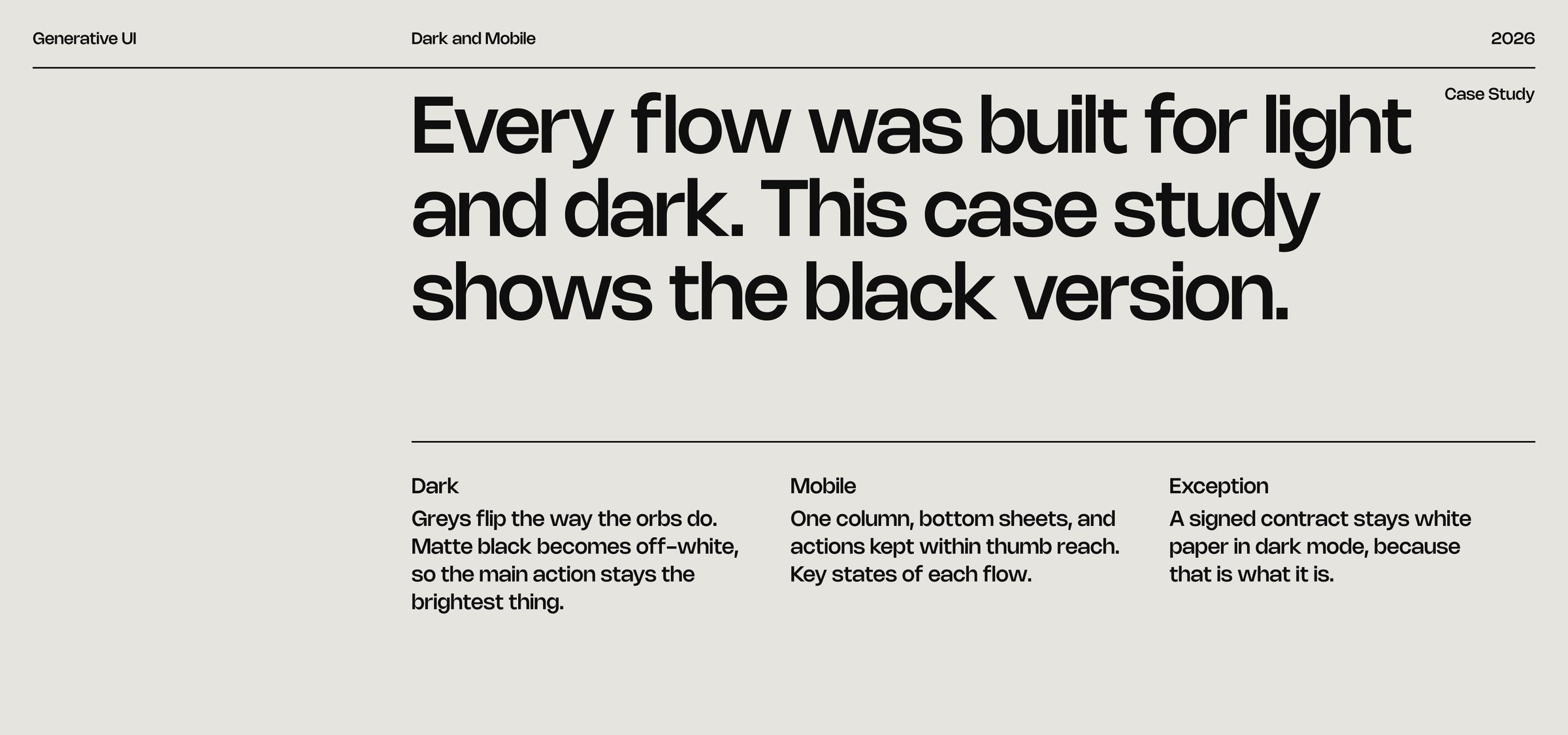
FRAME 55 // 60 DARK AND MOBILE

Every flow was built for light and dark. This case study shows the black version.
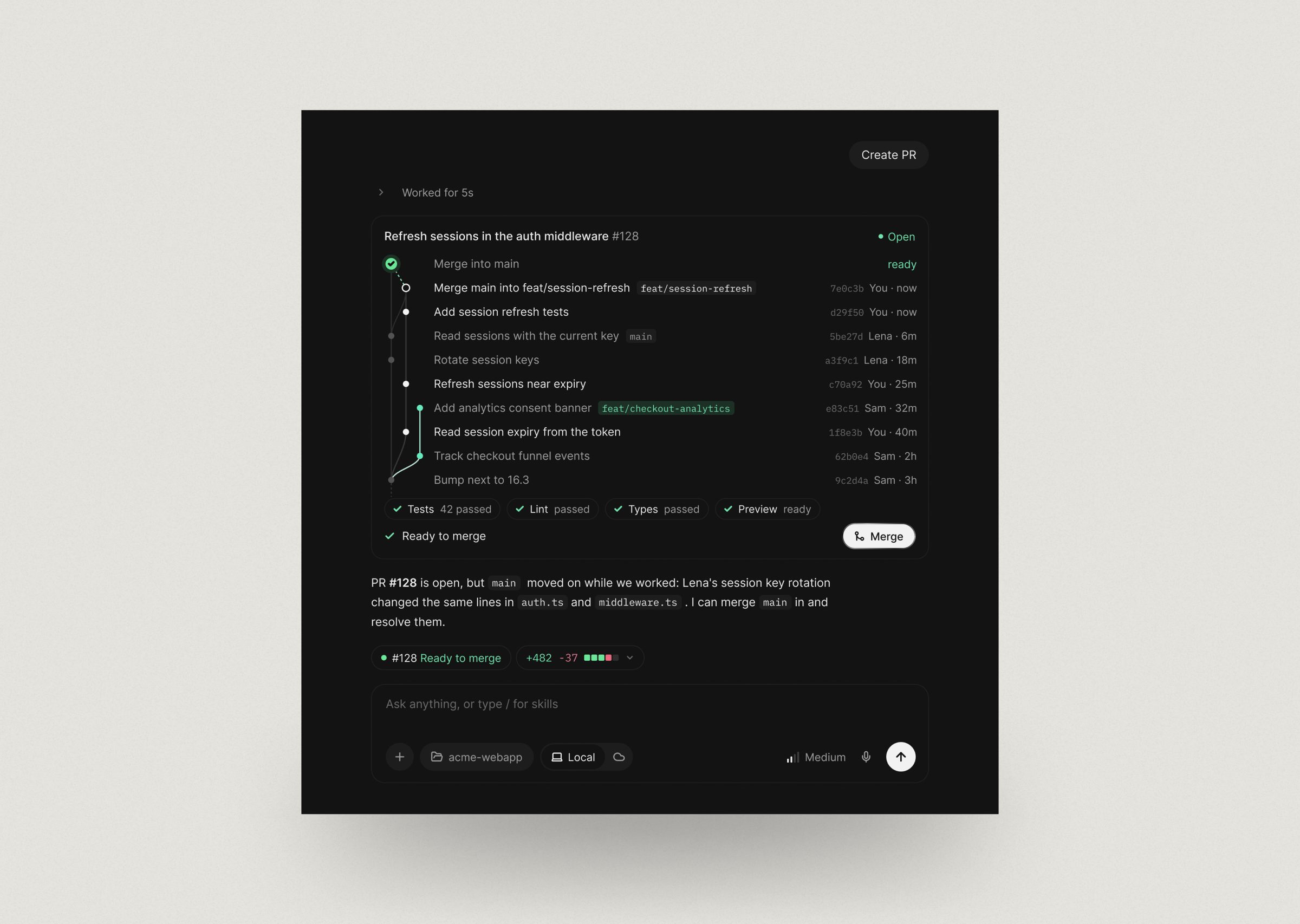
Dark and mobile: Every flow was built for light and dark. This case study shows the black version.
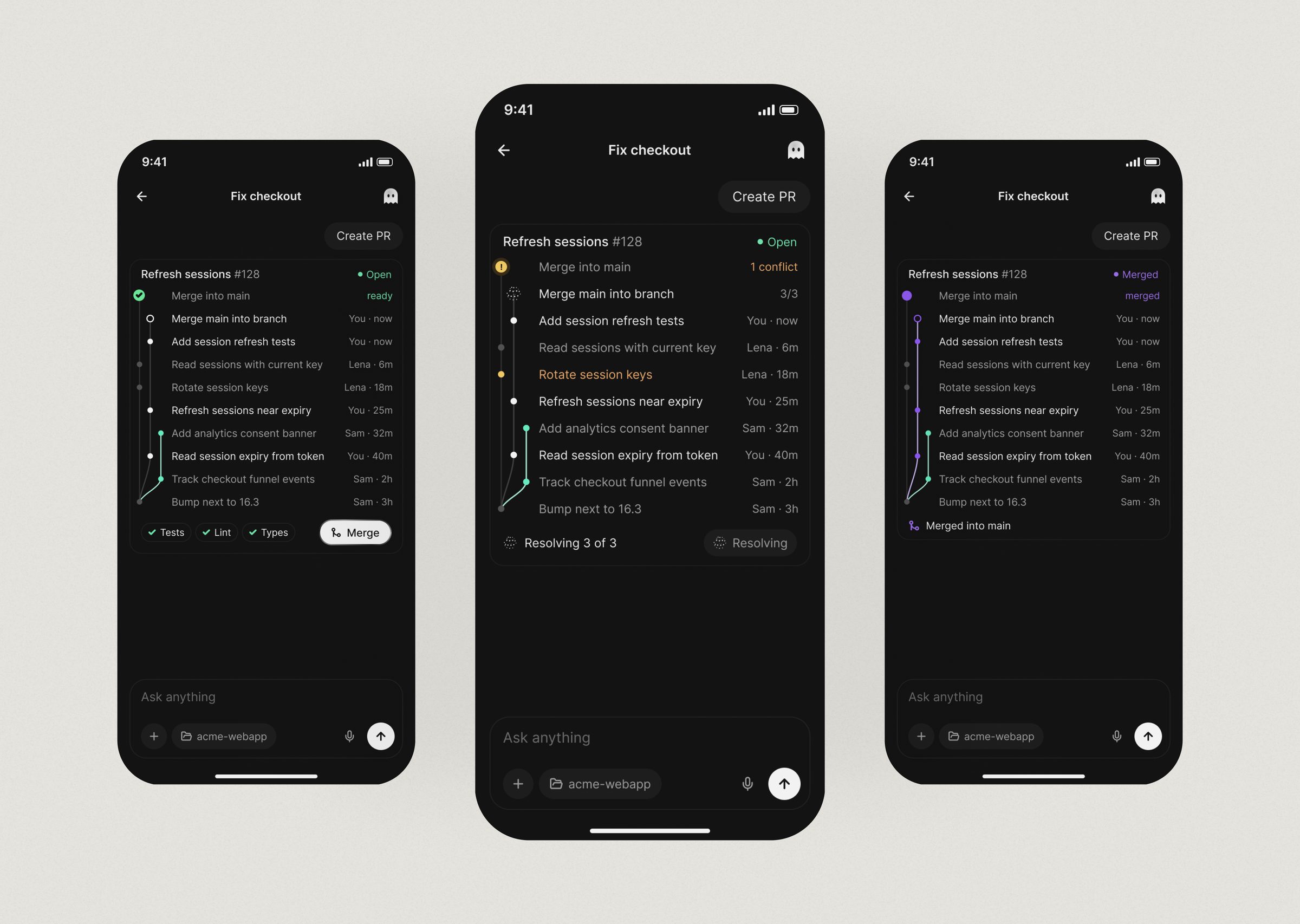
Click to zoom & inspect
FRAME 56 // 60 DESKTOP WALL

Every desktop flow

Desktop wall: Every desktop flow
Click to zoom & inspect
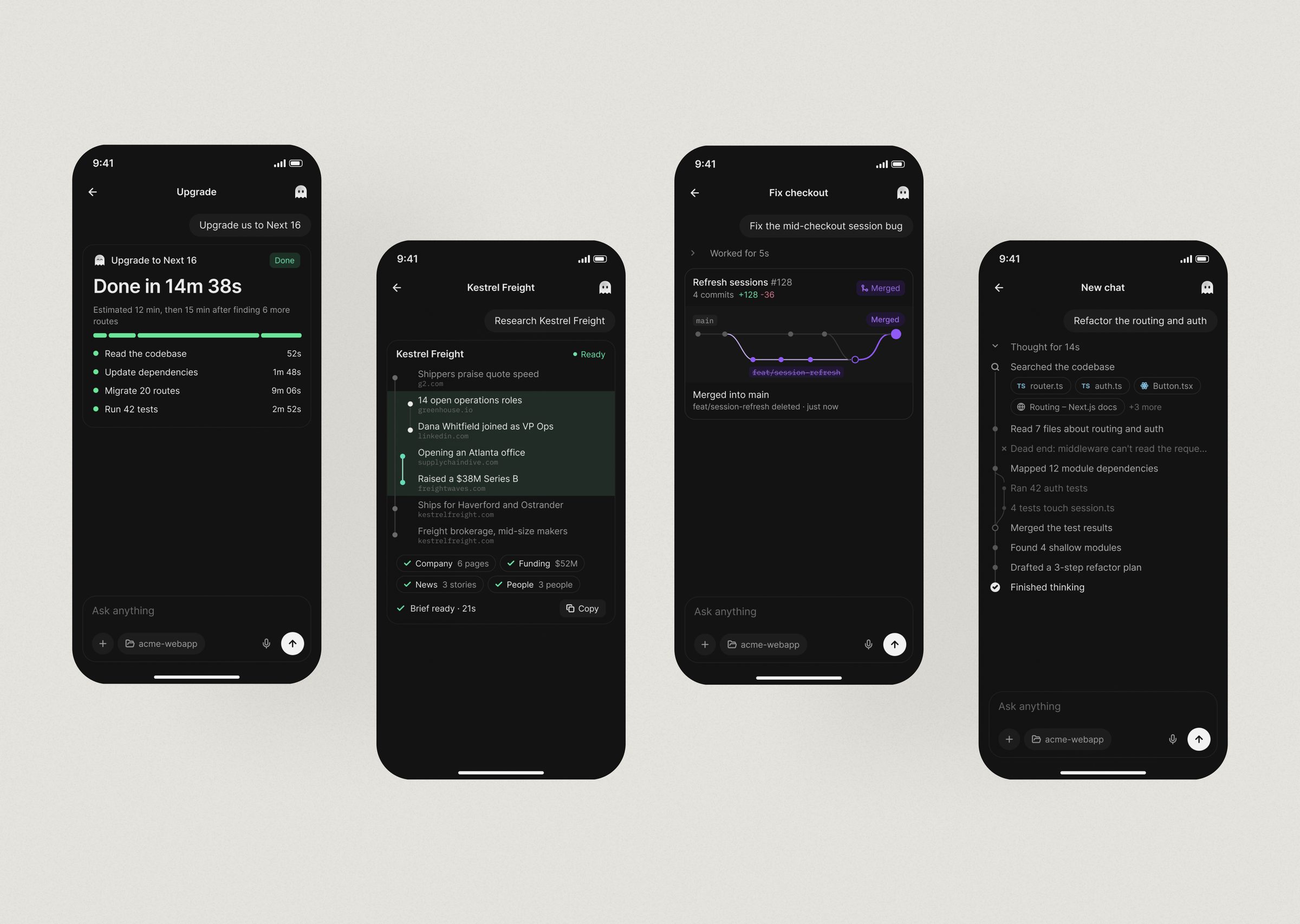
FRAME 57 // 60 MOBILE WALL

Every mobile flow

Mobile wall: Every mobile flow
Click to zoom & inspect
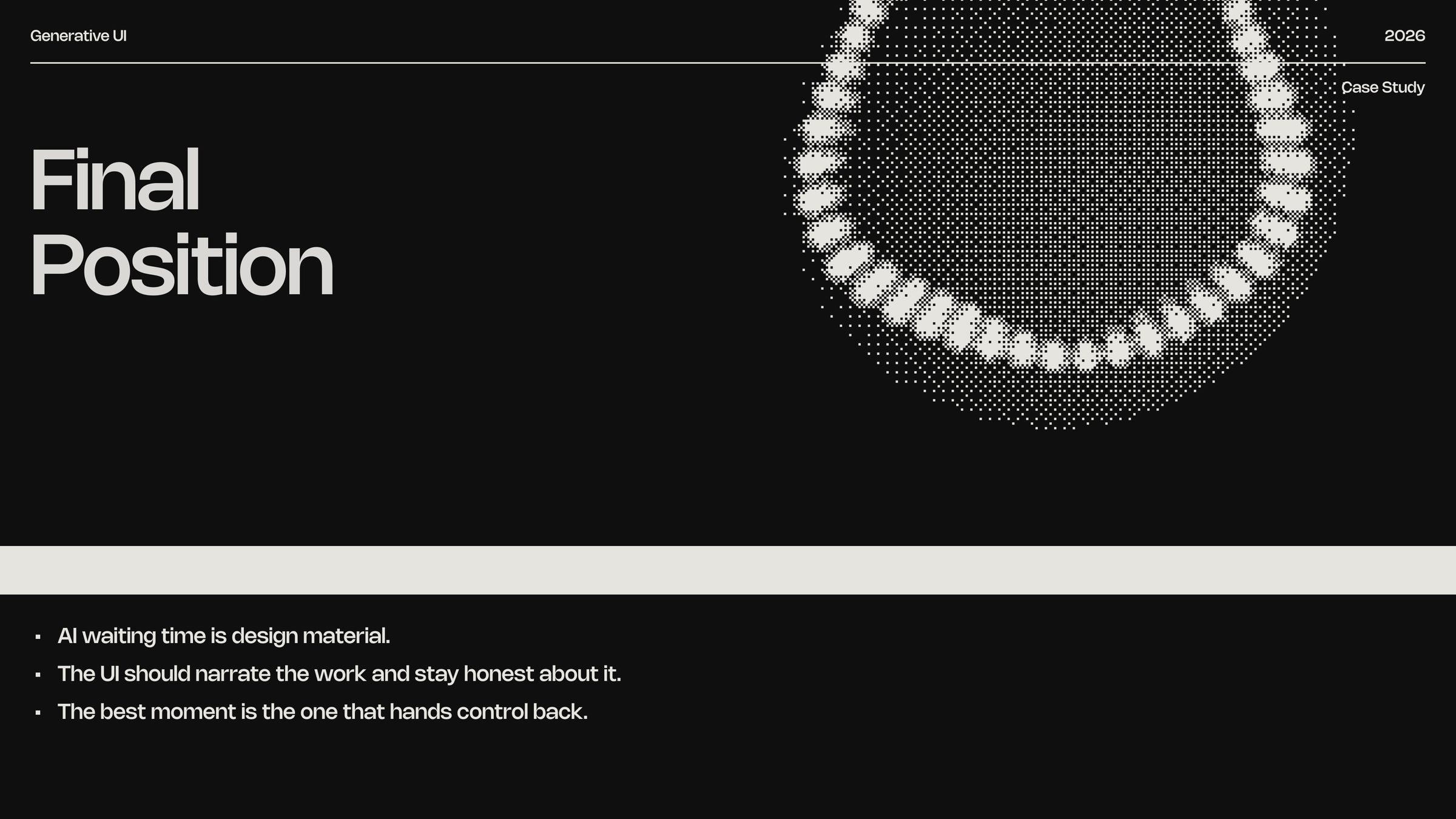
FRAME 58 // 60 FINAL POSITION

AI waiting time is design material.
The UI should narrate the work and stay honest about it. The best moment is the one that hands control back.

Final position: AI waiting time is design material.
Click to zoom & inspect
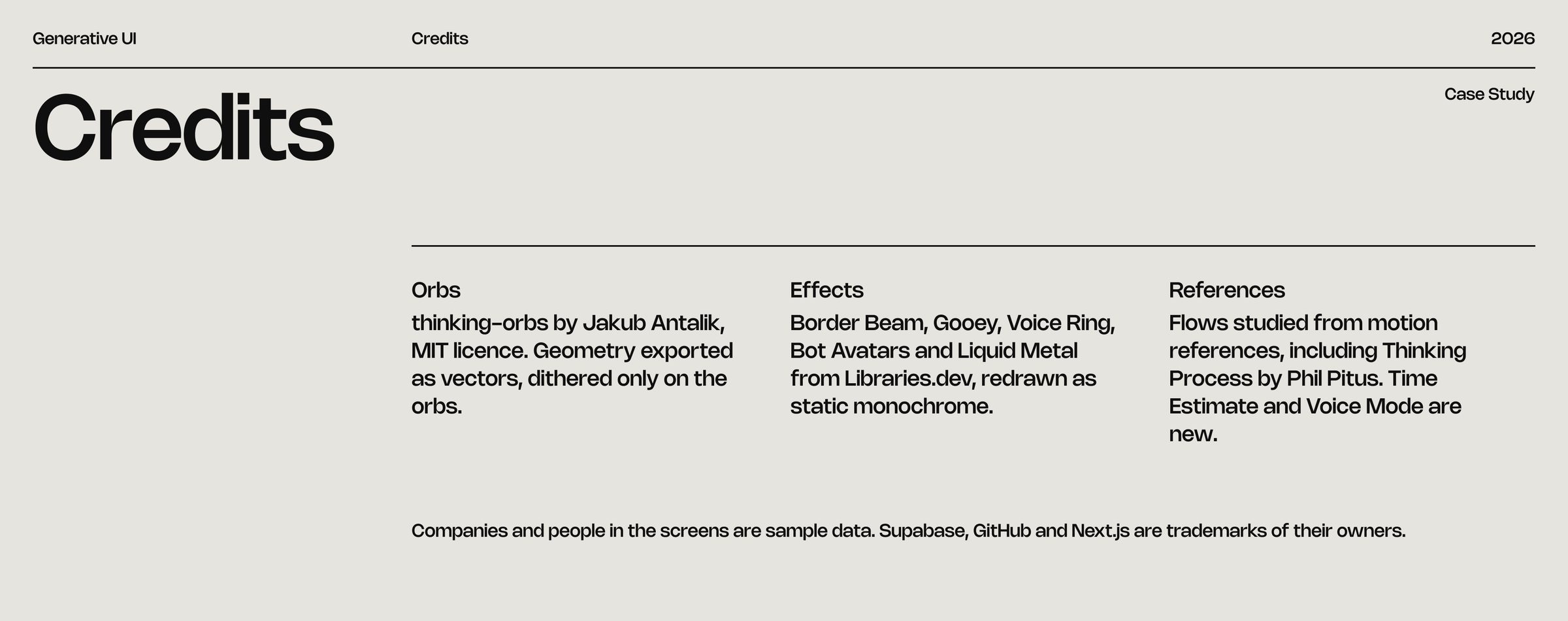
FRAME 59 // 60 CREDITS

Credits

Credits: Credits
Click to zoom & inspect
FRAME 60 // 60 CLOSE

Thank you

Close: Thank you
Click to zoom & inspect